Weather and atmospherics
Weather is preset-driven and exposes both renderer-side state
(RenderQualitySettings) and runtime atmospheric overrides
(WeatherSettings). While WeatherSettings::enabled = true, applying
weather writes the resolved sun, sky, fog, cloud, and wet/snow state into the
renderer’s RenderQualitySettings.
Weather presets
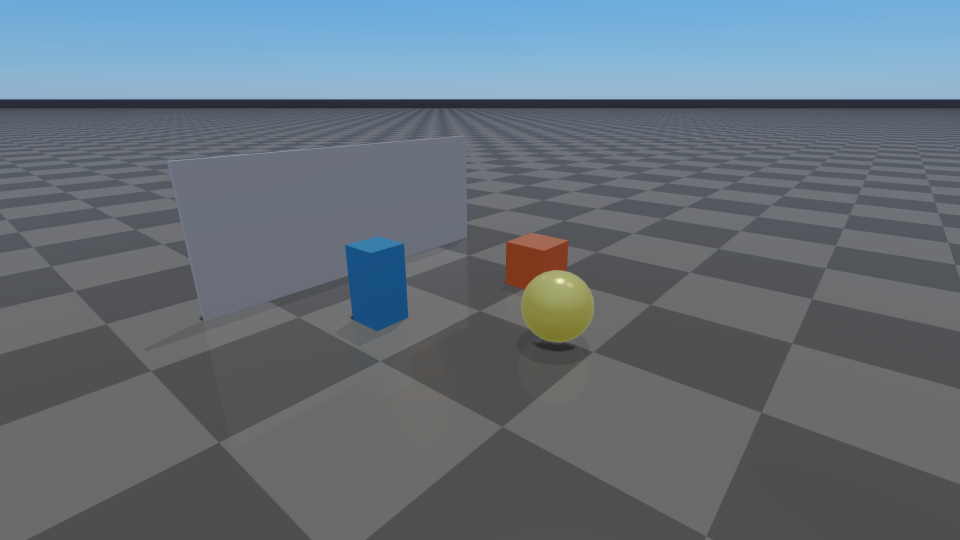
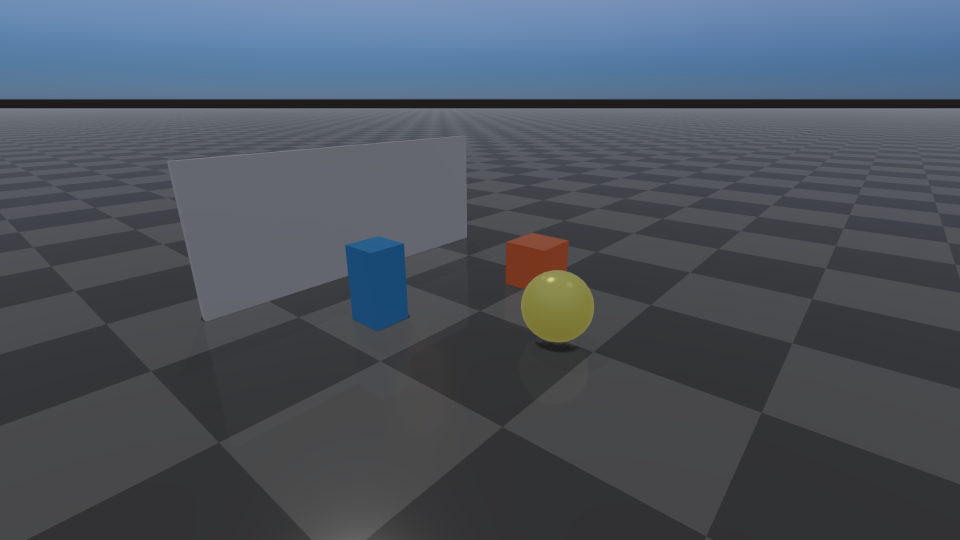
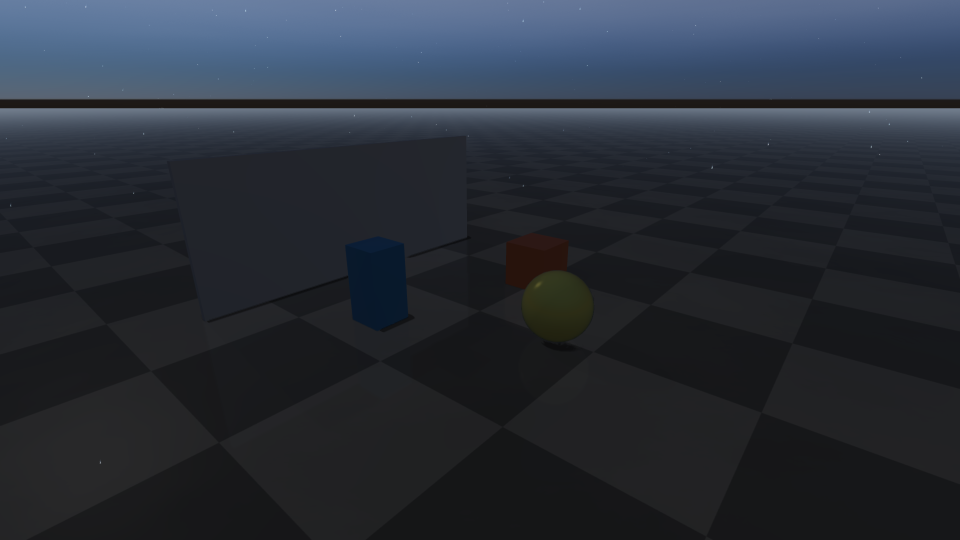
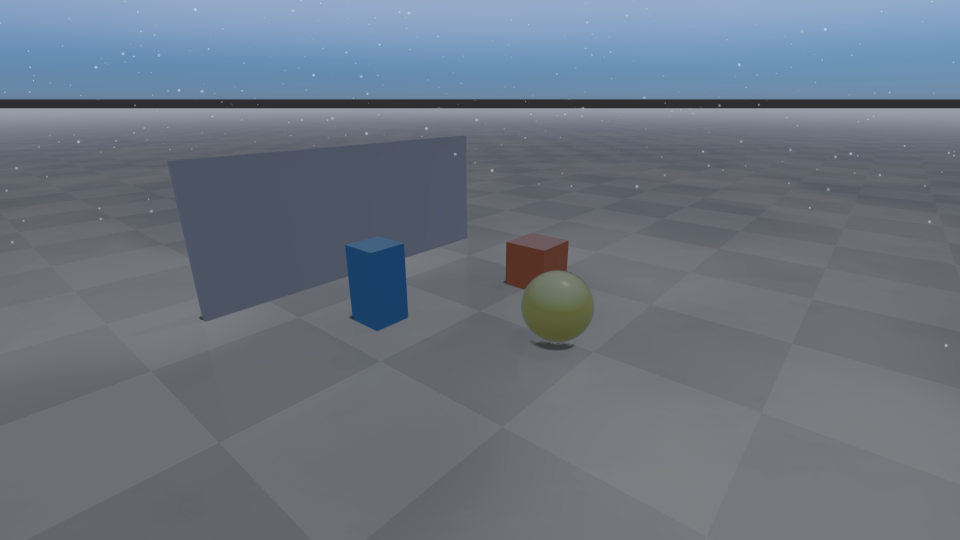
Presets cover Clear, Hazy, Overcast, Fog, Rain,
HeavyRain, Snow, Storm, NightClear, NightRain, and
Custom; defaultWeatherSettings(Custom) returns weather disabled.
WeatherSettings::quality (WeatherQuality::Low, Medium, High,
Ultra) sets the cost of the effects: Low draws no clouds or
precipitation particles, Medium adds both, High (the preset default)
adds cloud shadows, lightning, and lens droplets, and Ultra adds volumetric
fog and the largest particle budget.
Weather is applied by setWeatherSettings, setWeatherPreset,
transitionWeather, and by updateWeather while a transition or wetness
accumulation is running. Each application starts from the last settings the
application passed to setRenderQualitySettings (returned by
getUserRenderQualitySettings); overrides the main light (direction, color,
ambient); adjusts shadowStrength and shadowPcfRadius; sets the
environment intensity and tints, the clouds, and the wet/snow fields; scales
pbrExposure; re-enables the procedural sky; takes the larger of the user and
weather fog densities and, for foggy or low-visibility weather, enables height
fog (and, at Ultra, volumetric fog); and applies the result. Unlike an application’s own setRenderQualitySettings
call (see Lighting, shadows, and HDR/IBL), a weather application keeps the additional lights
the application added. Calling setRenderQualitySettings while weather is
enabled replaces the base that later weather applications start from.
Disabling weather with setWeatherSettings (enabled = false) restores
those user settings.
Units and ranges in WeatherSettings (setWeatherSettings clamps values
to these ranges): timeOfDayHours in hours [0, 24], latitude /
longitude in degrees, windSpeed in m/s, visibilityMeters in metres,
fogDensity in metres⁻¹ (exponential extinction), fogAnisotropy is the
Henyey-Greenstein g in [-0.85, 0.85], cloudCoverage /
cloudDensity / precipitationRate / rainOcclusionStrength /
humidity / wetness normalized in [0, 1], lightningRate in
strikes per minute [0, 16], and wetnessAccumulationRate /
wetnessDryingRate per second. LocalFogVolume::radius and the
ProjectedDecal distance-fade fields are in metres.
Clear |
Overcast |
|---|---|
|
|
Rain |
Snow |
|
|
Storm |
NightClear |
|
|
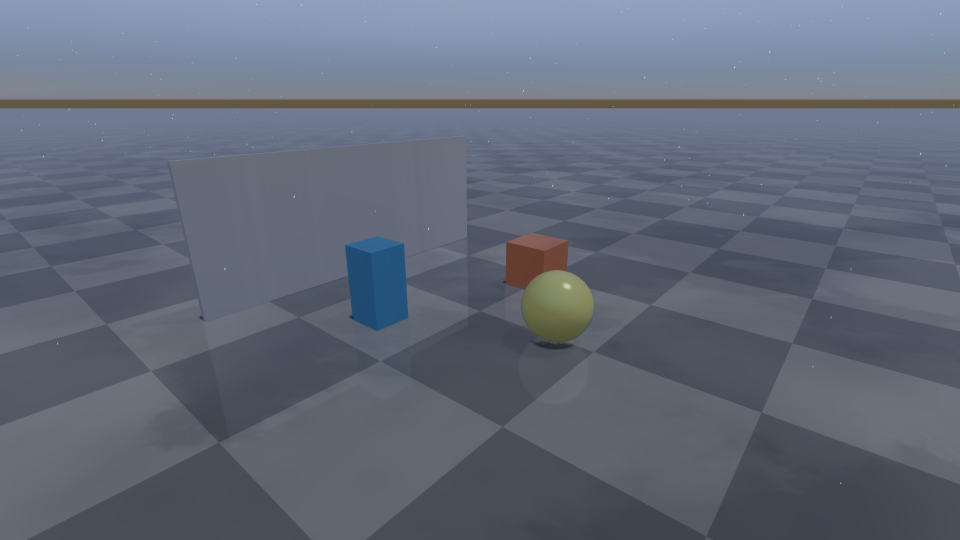
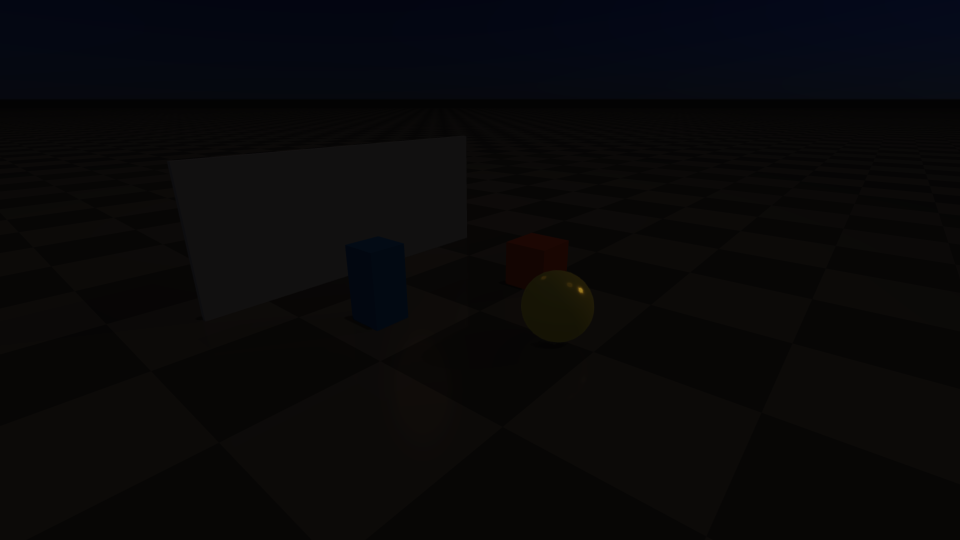
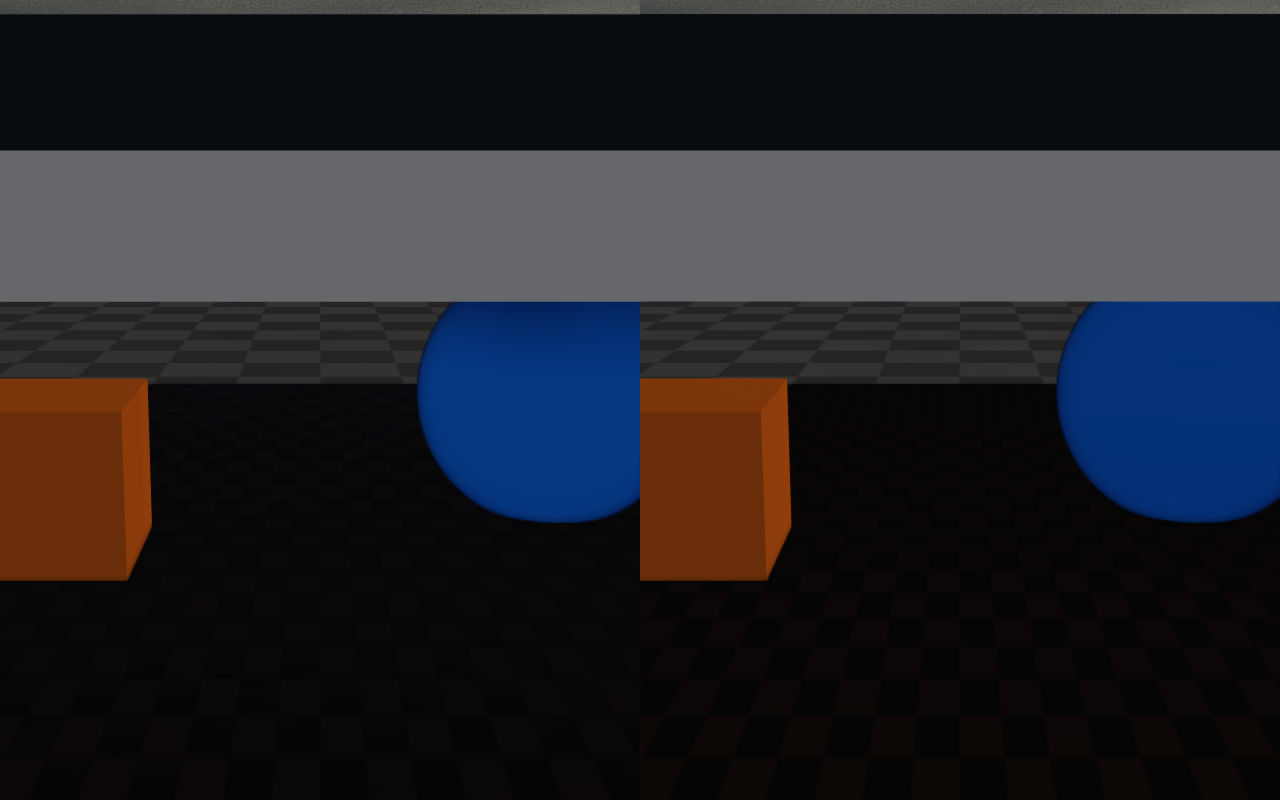
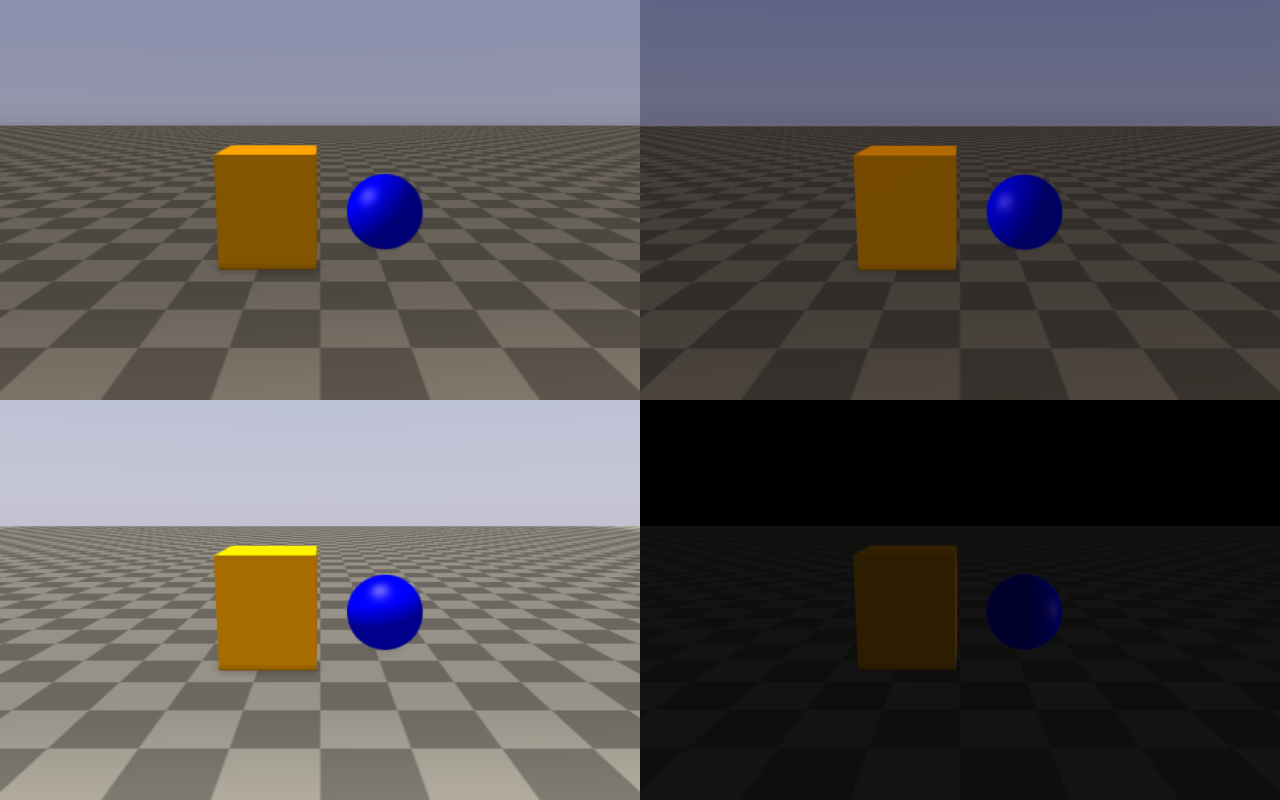
The grid is produced by doc_image_weather_presets in
docs/image_generators/.
Start from RayraiWindow::defaultWeatherSettings, apply it with
setWeatherSettings or setWeatherPreset, and call updateWeather(dt)
once per frame on the render thread. updateWeather advances transitions,
wetness accumulation and drying, and the thunder callback; it does not advance
the clock. Lightning strikes, cloud drift (cloudAnimationSpeed), rain
ripples, and weather-driven volumetric fog follow timeOfDayHours, so
advance that field and apply it with setWeatherSettings when they should
move (setWeatherSettings cancels a running transition).
transitionWeather blends between presets or settings over a duration;
weatherDiagnostics reports the resolved sun/moon, fog, precipitation,
wetness, snow, lightning, lens-droplet, and generated sky state.
updateWeather calls the function registered with
setWeatherThunderCallback once per new lightning strike, passing that
frame’s WeatherDiagnostics, so the application can play thunder audio
(thunderDelaySeconds, lightningIntensity) or trigger other reactions.
auto weather = raisin::RayraiWindow::defaultWeatherSettings(
  raisin::RayraiWindow::WeatherPreset::Rain);
weather.enabled = true;
weather.affectSensors = false;
weather.timeOfDayHours = 17.5f;
weather.windSpeed = 3.0f;
weather.lensDropletsEnabled = true;
viewer.setWeatherSettings(weather);

viewer.setWeatherThunderCallback(
  [](const raisin::RayraiWindow::WeatherDiagnostics& d) {
    // Play thunder d.thunderDelaySeconds after the flash, scaled by
    // d.lightningIntensity.
  });

// Frame loop animation.
viewer.updateWeather(dt);
auto diagnostics = viewer.weatherDiagnostics();
if (diagnostics.lightningActive) {
  // react to the current flash
}

// Smooth blend to a new preset over four seconds.
viewer.transitionWeather(raisin::RayraiWindow::WeatherPreset::Storm, 4.0);
For local effects, use addLocalFogVolume / clearLocalFogVolumes,
addProjectedDecal / clearProjectedDecals, and
addIrradianceVolume / clearIrradianceVolumes. Each list is capped
(eight local fog volumes, eight projected decals, eight irradiance volumes)
so the fast frame path stays predictable; entries beyond the cap are ignored.
Weather-driven sky maps are created on demand with
generateWeatherSkyEnvironment(environmentFaceSize, irradianceFaceSize,
setVisibleBackground)
; do this at transition points or setup time, not every
frame. The renderer owns the cubemaps: the next generation,
clearWeatherSkyEnvironment, and setWeatherSettings delete them.
raisin::LocalFogVolume cloud;
cloud.center = glm::vec3(0.0f, 2.0f, 1.2f);
cloud.radius = 3.0f;
cloud.density = 0.18f;
cloud.edgeFade = 0.45f;
viewer.addLocalFogVolume(cloud);

raisin::ProjectedDecal puddle;
puddle.center = glm::vec3(1.5f, -0.8f, 0.01f);
puddle.halfExtents = glm::vec3(0.8f, 0.8f, 0.05f);
puddle.color = glm::vec4(0.0f, 0.0f, 0.0f, 0.8f);
viewer.addProjectedDecal(puddle);

raisin::IrradianceVolume ambient;
ambient.center = glm::vec3(0.0f, 0.0f, 1.5f);
ambient.halfExtents = glm::vec3(4.0f, 4.0f, 2.0f);
ambient.color = glm::vec3(0.20f, 0.22f, 0.30f);
ambient.strength = 0.8f;
viewer.addIrradianceVolume(ambient);
Enabling the procedural sky and sky IBL
The procedural sky is on by default in rayrai.
RenderQualitySettings::proceduralSkyBackgroundEnabled defaults to true
and no preset turns it off, so every preset (Fast / Balanced / High / Ultra)
draws the analytic Hillaire sky as the background whenever no environment map
is shown. You do not need to do anything to turn it on; the helpers below are
only needed if a sky should also light the scene.
To let a sky light PBR materials, bake it into cubemaps and assign them.
generateWeatherSkyEnvironment evaluates the weather sky model from the
current WeatherSettings (time of day, location, clouds, turbidity) on the
CPU; it does not sample the procedural background sky. The sun appears in the
bake only while weather is enabled, so apply a weather preset first:
raisin::RayraiWindow viewer(world, 1280, 720);

// 1) Pick a quality preset and a weather preset. The weather preset
//    defines the sky that is baked below.
viewer.setRenderQualityPreset(
    raisin::RayraiWindow::RenderQualityPreset::High);
viewer.setWeatherPreset(raisin::RayraiWindow::WeatherPreset::Clear);

// 2) Bake the sky into an environment cubemap plus a diffuse irradiance
//    cubemap. setVisibleBackground=true also shows the baked map as the
//    background.
auto sky = viewer.generateWeatherSkyEnvironment(
    /*environmentFaceSize=*/128,
    /*irradianceFaceSize=*/32,
    /*setVisibleBackground=*/true);

// 3) Assign the maps to each visual that should receive sky light.
visual->setPbrEnvironment(sky.environmentMap, sky.irradianceMap,
                          /*prefilteredEnvironmentMap=*/0, /*brdfLut=*/0);
The bake is not applied to materials automatically, and the renderer deletes
the cubemaps on the next bake, on clearWeatherSkyEnvironment, and on
setWeatherSettings, so re-assign the new maps after each bake. Materials
without an environment map, and all instanced visuals, use the neutral
procedural daylight fallback tinted by pbrEnvironmentLightingTint (see
Lighting, shadows, and HDR/IBL), not the sky’s colors.
RenderQualitySettings::pbrEnvironmentIntensity scales both the fallback
and assigned environment maps. The preset defaults are tuned for outdoor
daylight; lower it for an overcast or indoor feel.
If you want to turn the sky off (for a flat color background or to use an HDR environment instead):
auto q = viewer.getRenderQualitySettings();
q.proceduralSkyBackgroundEnabled = false;
q.proceduralCloudLayerEnabled = false;
viewer.setRenderQualitySettings(q);
viewer.setBackgroundColorRgb255({20, 22, 32, 255});  // flat fallback
While weather is enabled, each weather application turns the procedural sky back on.
To use your own HDR environment (the PbrEnvironment
bundle), assign it to visuals for lighting and optionally show it as the
background; setEnvironmentBackground alone only changes the background:
auto env = raisin::PbrEnvironment::loadFromHdrFile("/path/studio.hdr");
visual->setPbrEnvironment(env);  // lighting
viewer.setEnvironmentBackground(env.environmentCubemap, /*exposure=*/1.0f);
The procedural sky is cheap (a few small LUTs); its settings are described in
the next section. generateWeatherSkyEnvironment evaluates the sky on the
CPU for every cubemap texel, so call it at setup or at weather transitions, not
every frame.
Volumetric fog, sky, and light shafts
On top of the standard exponential fog (fogDensity,
fogColorOverrideEnabled, fogColor), the renderer supports height fog
(heightFogEnabled, heightFogDensity, heightFogBaseHeight,
heightFogFalloff) and a volumetric fog volume
(volumetricFogEnabled, volumetricFogDensity,
volumetricFogNoiseScale, volumetricFogNoiseStrength,
volumetricFogColor, volumetricFogAnisotropy,
volumetricFogAnimationTimeSeconds, volumetricFogWindDirection,
volumetricFogWindSpeed, volumetricFogTurbulenceSpeed).
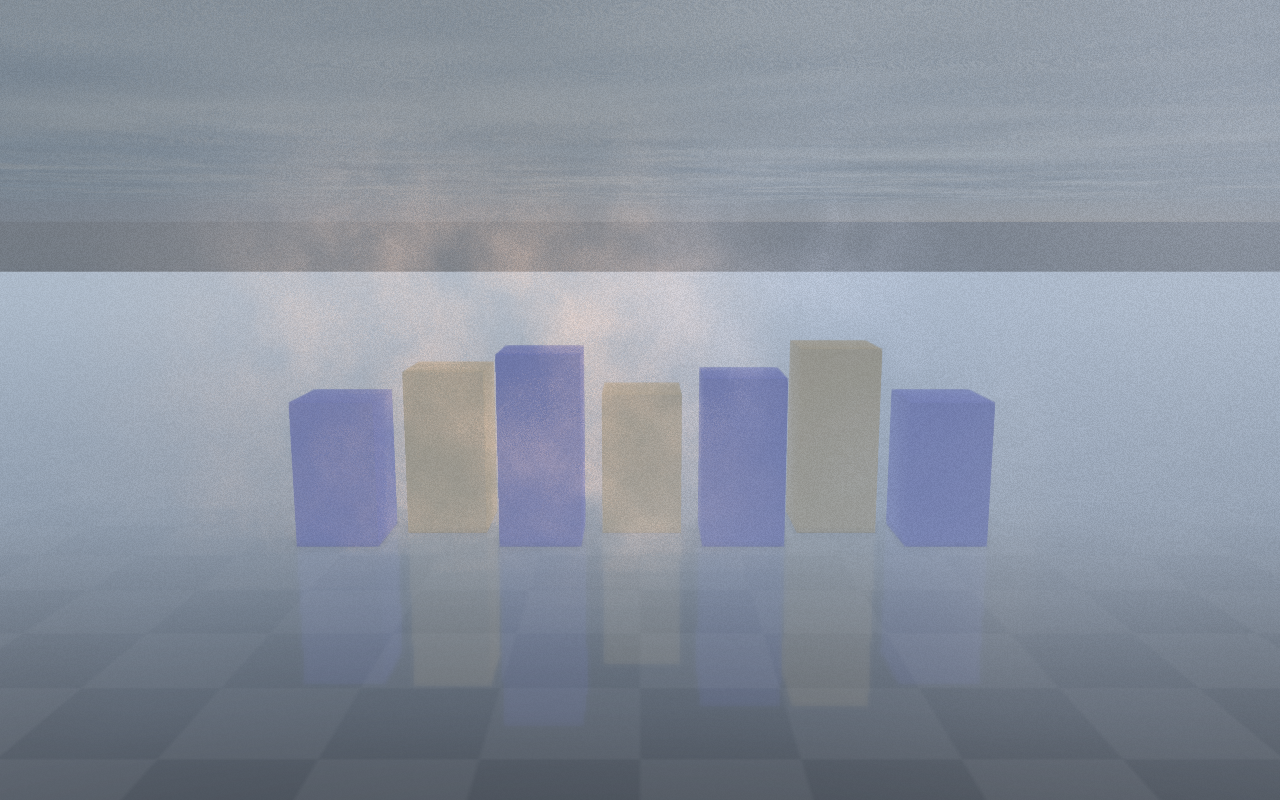
Volumetric lighting (volumetricLightingEnabled,
volumetricLightStrength, volumetricLightDecay,
volumetricLightSamples) scatters the main light through the fog volume.
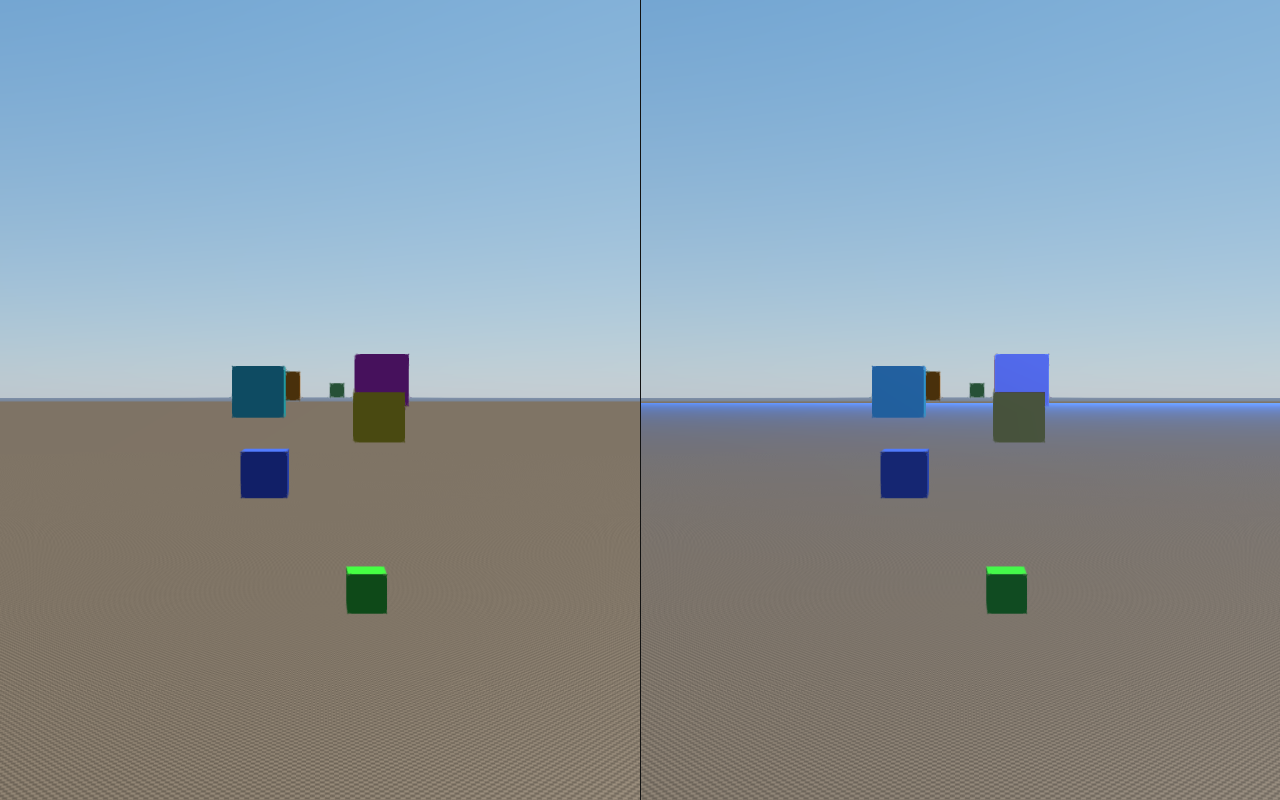
The procedural sky path uses an analytic Hillaire-style atmosphere LUT with
multi-scatter and aerial-perspective passes. Enable it with
proceduralSkyBackgroundEnabled and tune sun visibility
(proceduralSkySunStrength, proceduralSkySunSize). A separate
procedural cloud layer adds proceduralCloudLayerEnabled,
proceduralCloudCoverage, proceduralCloudDensity,
proceduralCloudScale, proceduralCloudSoftness,
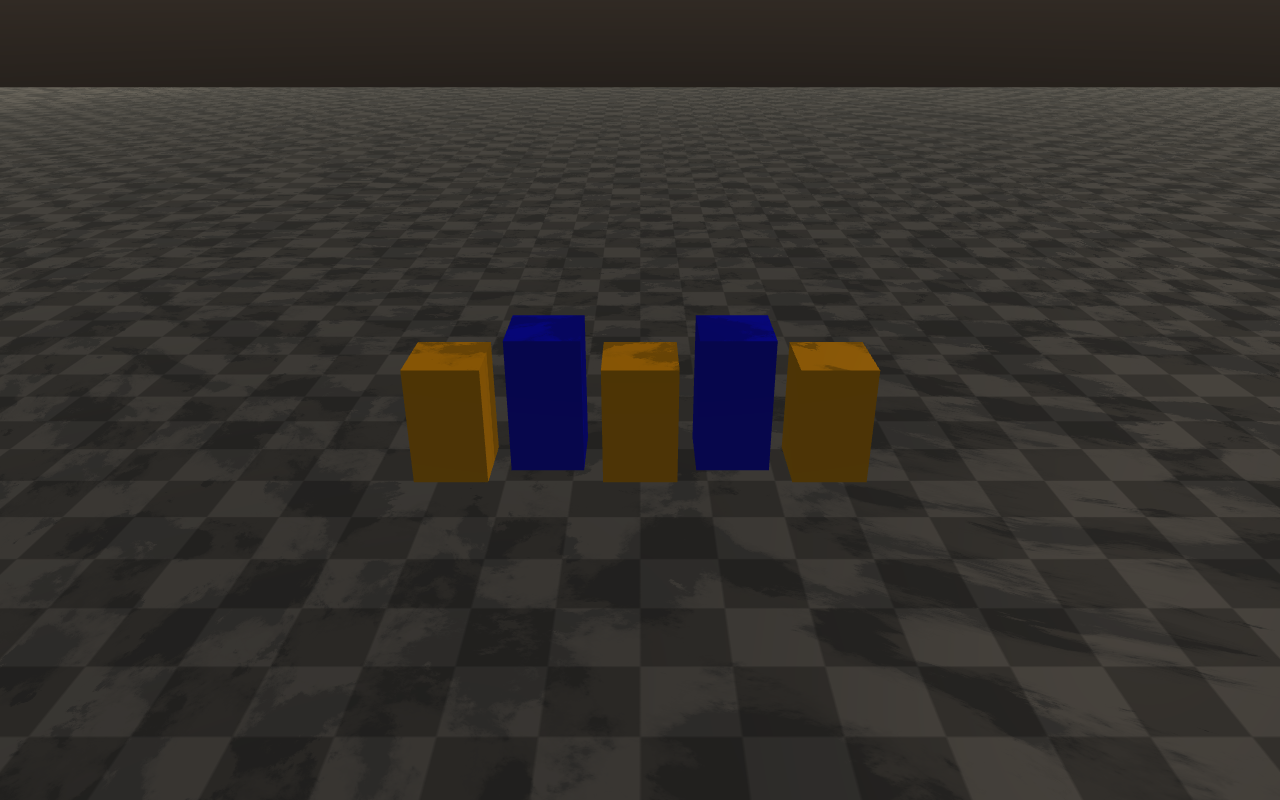
proceduralCloudOffset, proceduralCloudTint; cloud shadows
(cloudShadowProjectionEnabled, cloudShadowStrength,
cloudShadowScale) project that layer back onto the scene. The cloud layer
is drawn only when cloudQuality is not Off; every preset sets it, but
the struct default is Off. The clouds do not drift by themselves: animate
proceduralCloudOffset to move them.
auto quality = viewer.getRenderQualitySettings();

// Height fog on top of the standard exponential fog.
quality.fogDensity = 0.015f;
quality.heightFogEnabled = true;
quality.heightFogDensity = 0.04f;
quality.heightFogBaseHeight = 0.0f;
quality.heightFogFalloff = 0.35f;

// Animated volumetric fog with subtle wind.
quality.volumetricFogEnabled = true;
quality.volumetricFogDensity = 0.018f;
quality.volumetricFogColor = glm::vec3(0.74f, 0.82f, 0.92f);
quality.volumetricFogAnisotropy = 0.30f;
quality.volumetricFogWindDirection = glm::vec2(1.0f, 0.0f);
quality.volumetricFogWindSpeed = 0.6f;
quality.volumetricFogAnimationTimeSeconds = currentTimeSeconds;

// Light shafts from the main directional light.
quality.volumetricLightingEnabled = true;
quality.volumetricLightStrength = 0.6f;
quality.volumetricLightDecay = 0.94f;
quality.volumetricLightSamples = 32;
quality.lightShaftsEnabled = true;
quality.lightShaftsStrength = 0.8f;

// Procedural sky + clouds.
quality.proceduralSkyBackgroundEnabled = true;
quality.proceduralSkySunStrength = 1.4f;
quality.proceduralCloudLayerEnabled = true;
quality.proceduralCloudCoverage = 0.55f;
quality.cloudShadowProjectionEnabled = true;
quality.cloudShadowStrength = 0.35f;

viewer.setRenderQualitySettings(quality);
Weather drives the same height fog, which makes it a cheap way to add
distance haze. With WeatherSettings::enabled, a visibilityMeters
below 5000 (or a fogDensity above 0.001) enables height fog with an
extinction of max(0.85 * fogDensity, 3 / visibilityMeters) per metre,
colored by WeatherSettings::fogColor. Weather adds the volumetric fog
pass only at WeatherQuality::Ultra when that extinction exceeds 0.004 per
metre. weatherDiagnostics() reports heightFogActive,
heightFogDensity, visibilityTransmittance100m, and
visibilityTransmittance1km.
raisin::RayraiWindow::WeatherSettings weather;
weather.enabled = true;
weather.preset = raisin::RayraiWindow::WeatherPreset::Clear;
weather.visibilityMeters = 1200.0f;                 // ~78% transmittance at 100 m
weather.fogColor = glm::vec3(0.65f, 0.70f, 0.75f);  // cool grey haze
viewer.setWeatherSettings(weather);
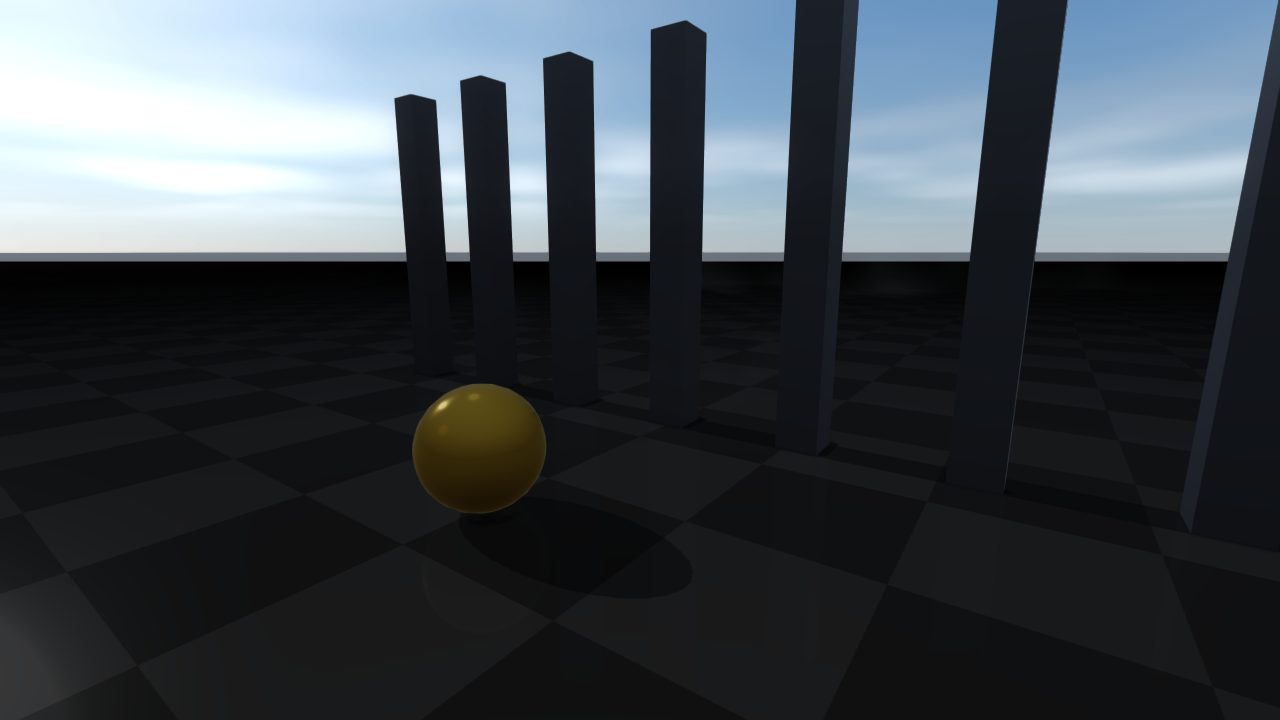
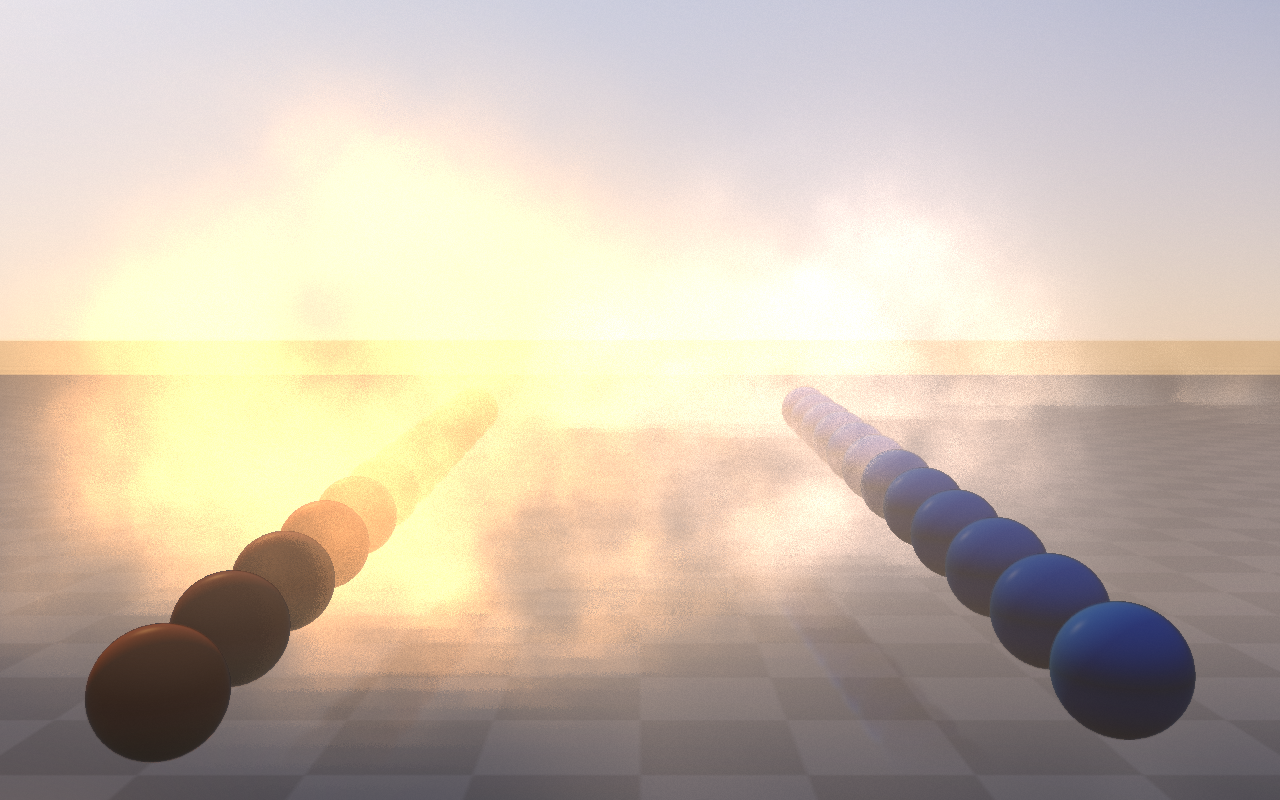
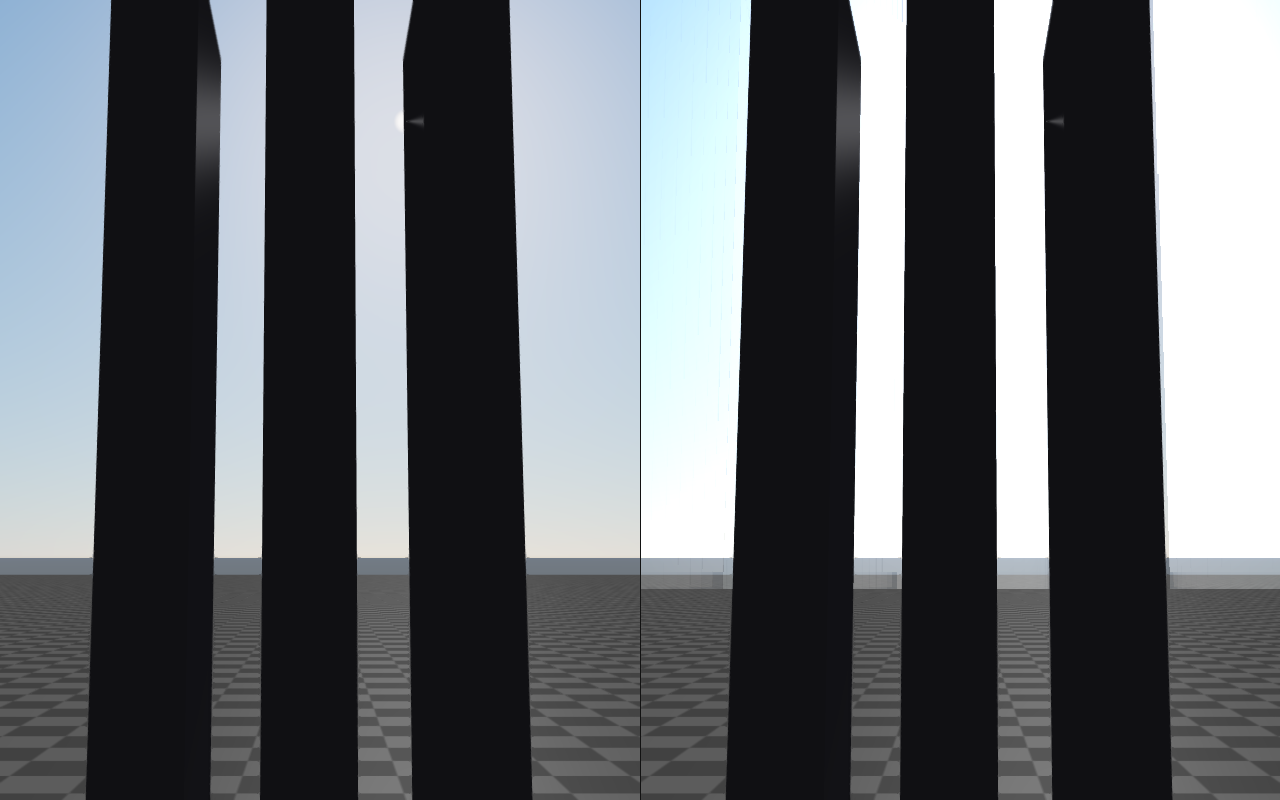
Sky and height fog |
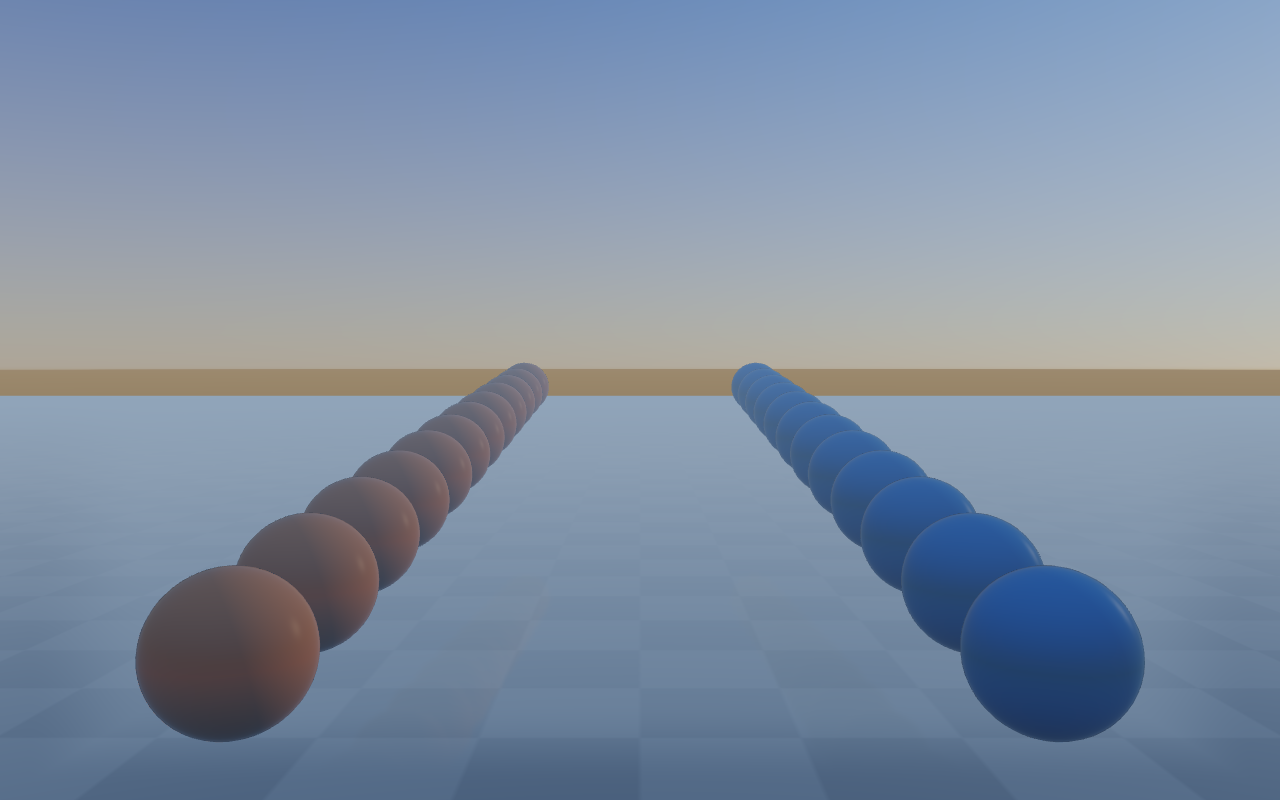
Volumetric fog + light shafts |
|---|---|
|
|
Cloud shadows |
Aerial perspective |
|
|
Local fog volumes |
Light shafts (god rays) |
|
|
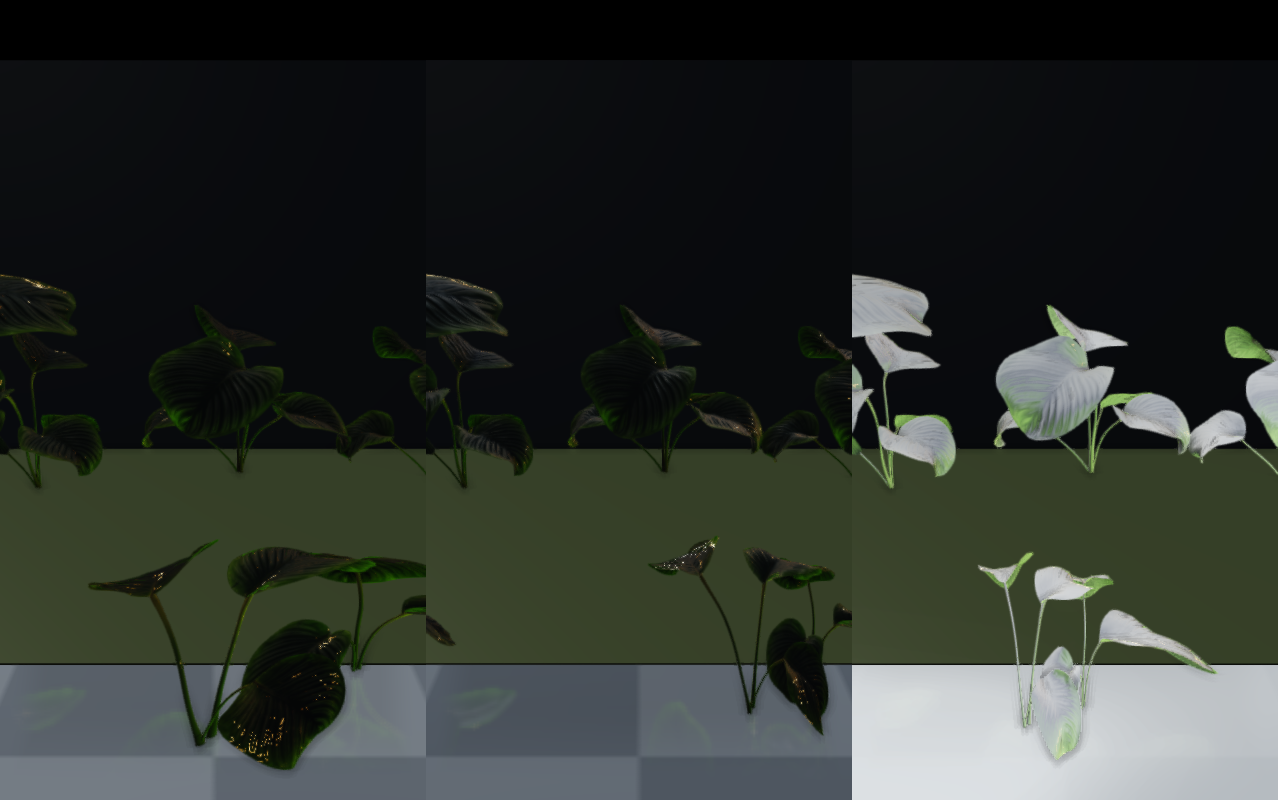
Foliage wind
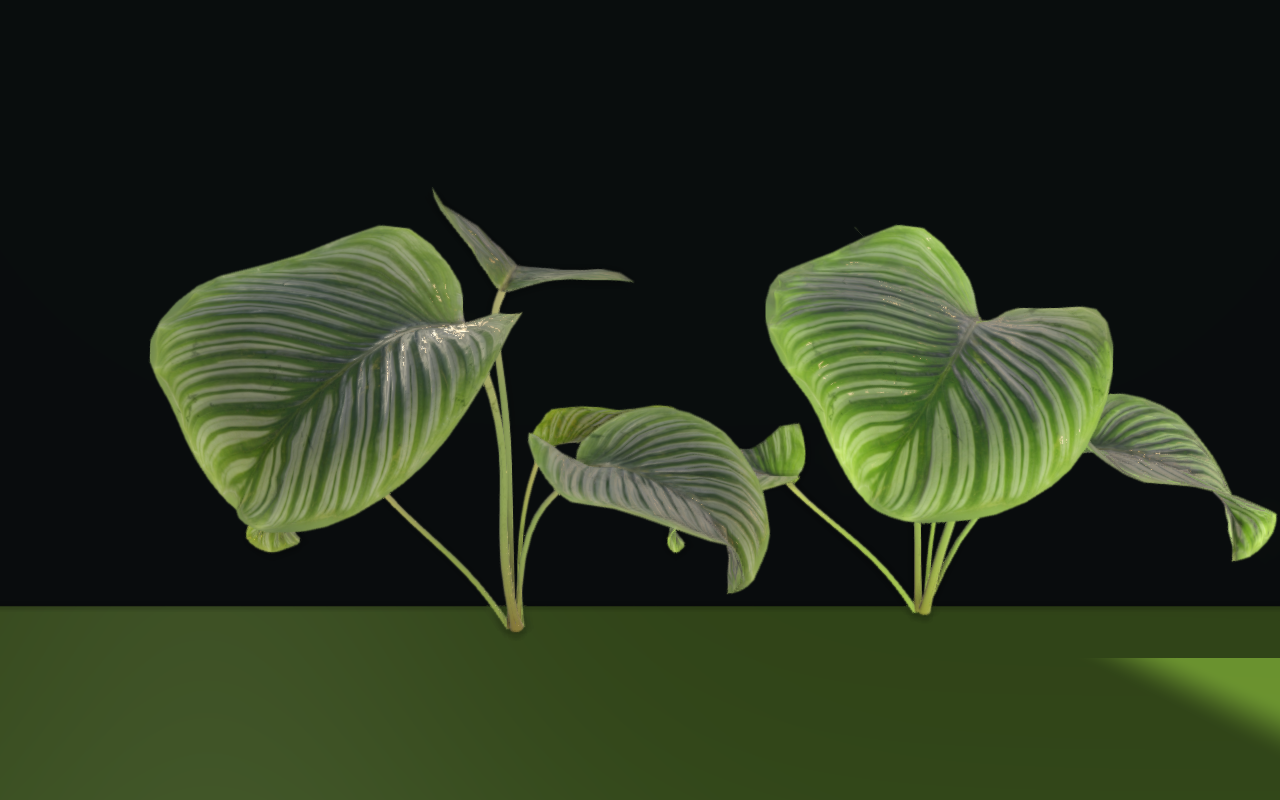
See Foliage and forest rendering for foliage materials, instance LOD and shadows, and the dense forest example for a complete terrain-grounded scene with animated vegetation.
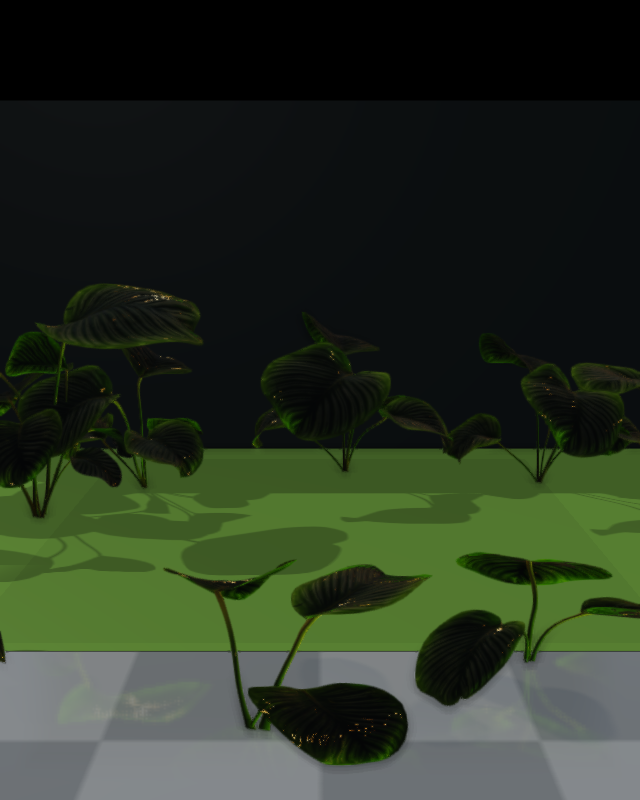
Authored foliage and instanced grass deform under a global wind field when
foliageWindEnabled is set. foliageWindDirection and
foliageWindSpeed drive the base motion; foliageWindTimeSeconds is
the wind clock the application drives from its frame loop.
foliageWindGustStrength and foliageWindGustScale add slower gust
noise on top, while foliageWindBranchBend controls coarse trunk/branch
bend and foliageWindLeafFlutter controls fine leaf flutter.
WeatherSettings::windSpeed does not move foliage.
Only materials with foliageWindStrength > 0 move. The bend grows from
foliageRootHeight to foliageTipHeight in mesh-local height and is
divided by foliageStiffness; foliageFlutterWeight scales the flutter,
and wet or snowy foliage moves less. FoliageType classifies the material
but does not enable wind by itself. For instanced batches,
InstancedVisuals::configureFoliageWind (and configureGrassPatch for
grass) sets the same response per batch; see PBR materials for foliage
materials.
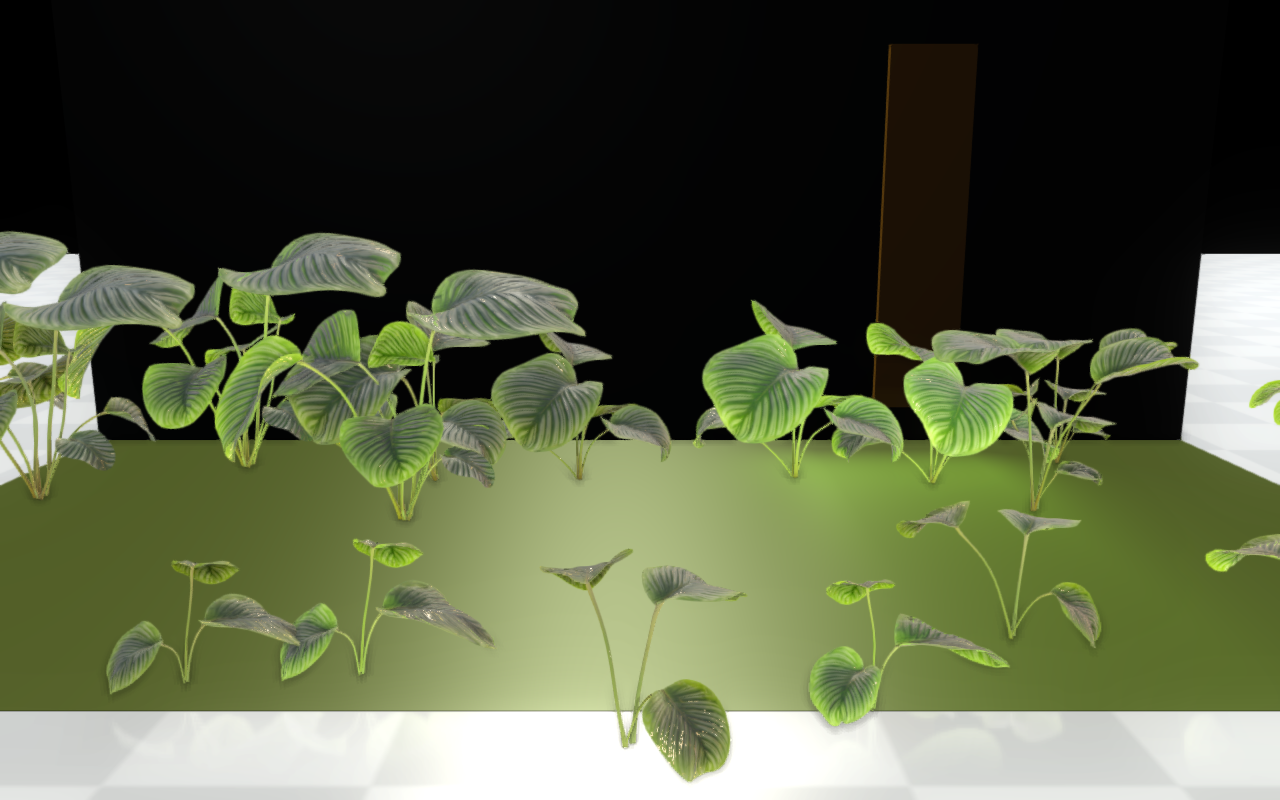
Foliage uses two-sided lighting and weather-driven leaf color shifts.
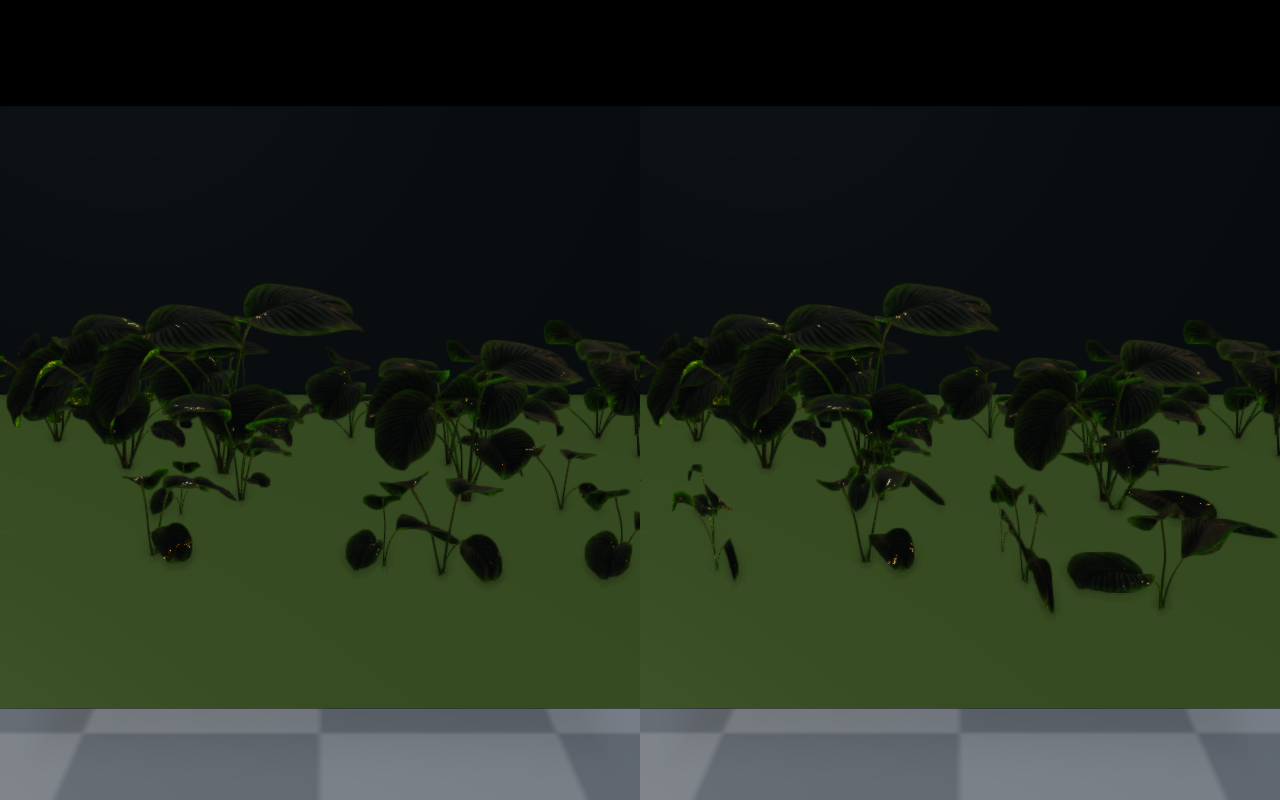
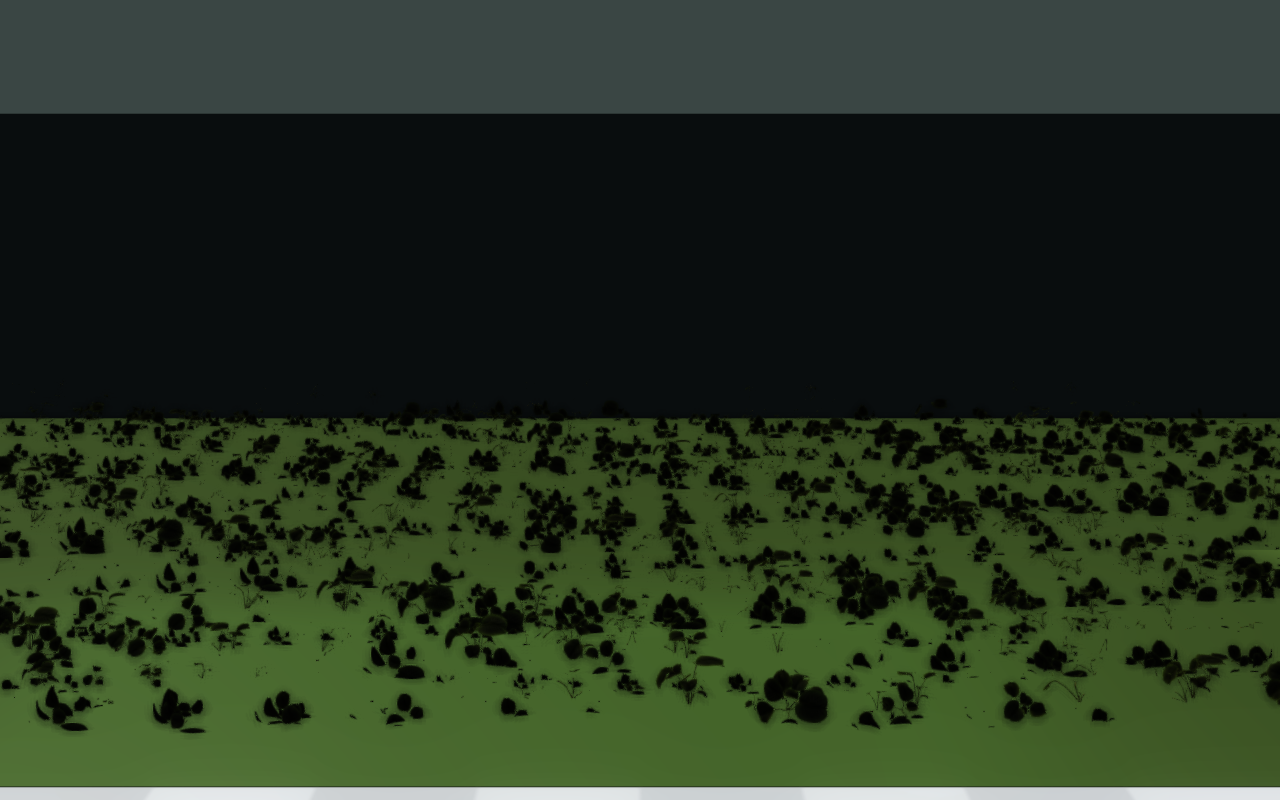
Grass patches and dense bushes are usually rendered through
InstancedVisuals so thousands of blades share one upload, with
per-instance scale and rotation driving subtle variation.
auto quality = viewer.getRenderQualitySettings();
quality.foliageWindEnabled = true;
quality.foliageWindDirection = glm::vec2(0.7f, 0.7f);  // diagonal wind
quality.foliageWindSpeed = 2.4f;                       // base m/s
quality.foliageWindGustStrength = 0.6f;                // gust amplitude
quality.foliageWindGustScale = 1.2f;                   // gust spatial scale
quality.foliageWindBranchBend = 0.22f;                 // coarse trunk bend
quality.foliageWindLeafFlutter = 0.10f;                // fine flutter
viewer.setRenderQualitySettings(quality);

// Per frame: advance the wind clock. Unlike setRenderQualitySettings,
// this does not rebuild the lights.
viewer.advanceFoliageWindTime(dt);   // or setFoliageWindTimeSeconds(t)

// A foliage material only moves with a positive wind strength.
auto leaf = raisin::Material::foliage(
  "oak_leaves", raisin::Material::FoliageType::LeafCard,
  glm::vec4(0.32f, 0.55f, 0.21f, 1.0f));
leaf.foliageWindStrength = 1.0f;
leaf.foliageRootHeight = 0.0f;   // mesh-local height where bending starts
leaf.foliageTipHeight = 1.0f;    // full bend at this height
Foliage wind (poster frame) |
Leaf two-sided lighting |
|---|---|
|
|
Dense grass patch |
Foliage weather response |
|
|
Dense foliage instancing |
Poly Haven foliage import |
|
|
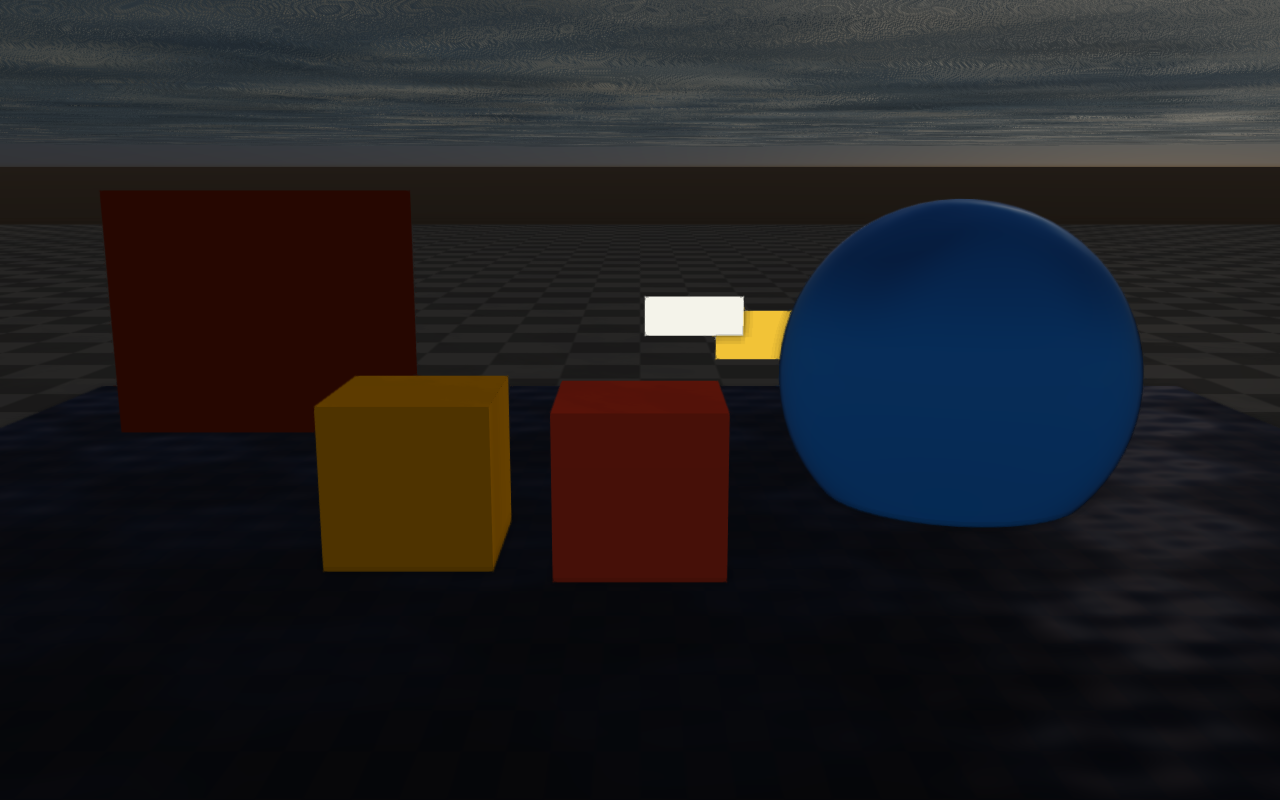
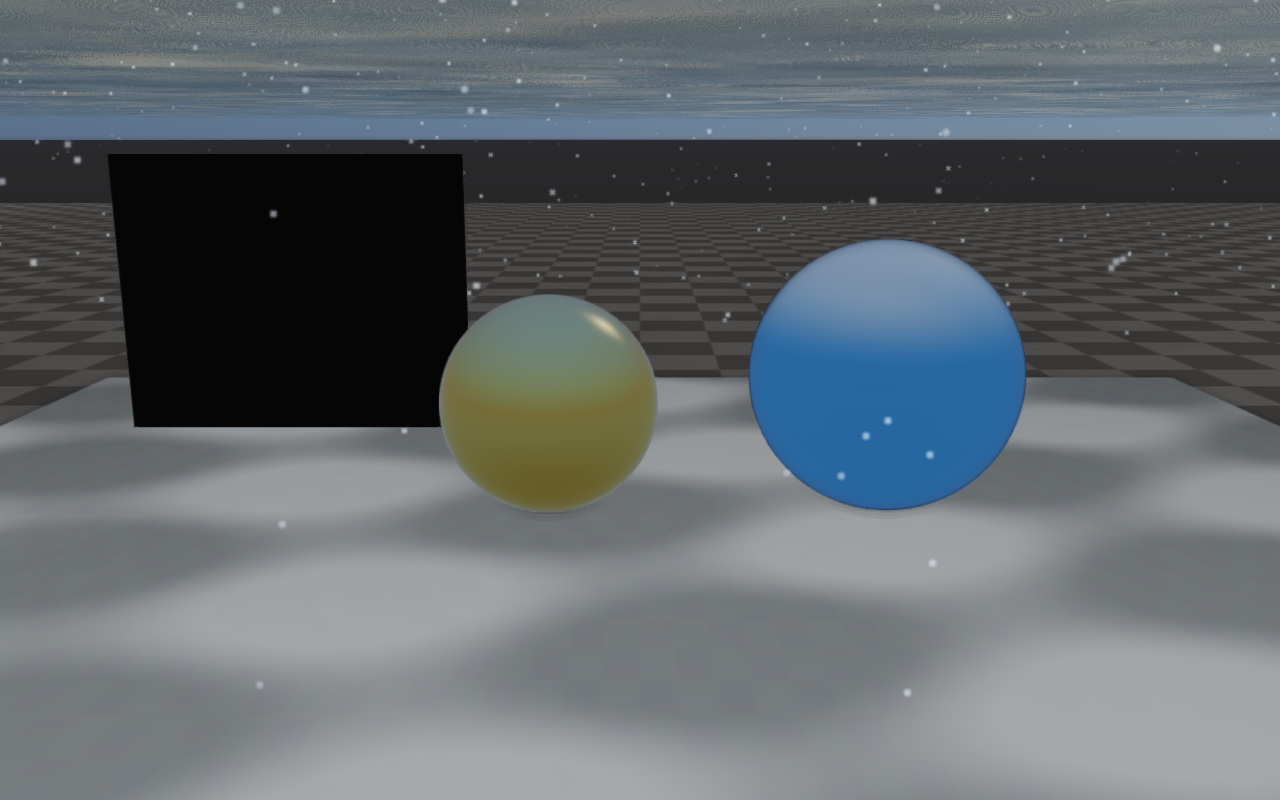
Weather wet and snow material response
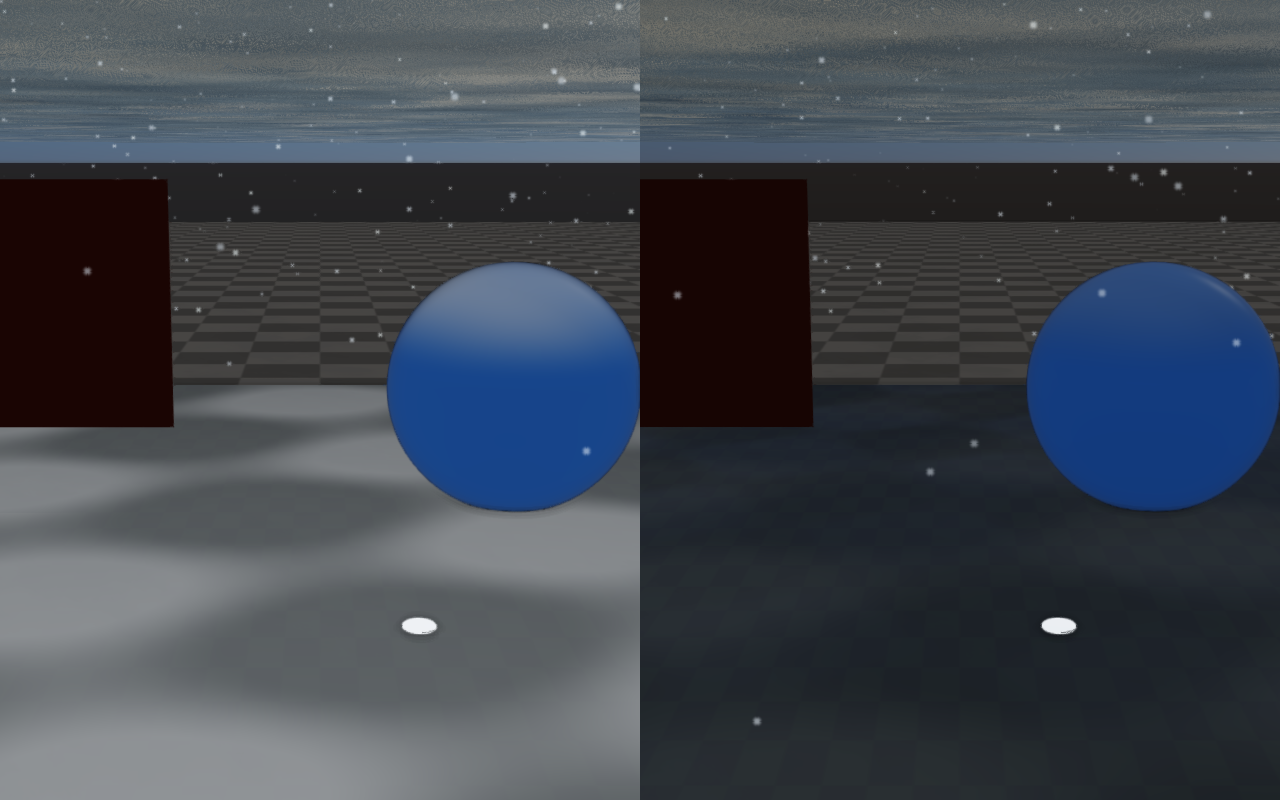
Wet and snow surface response is decoupled from precipitation so applications
can ramp it independently of the weather state. Enable
weatherWetMaterialEnabled and drive it through weatherWetness,
weatherPuddleStrength, weatherRainRippleStrength,
weatherRainRippleScale, weatherRainRipplePhase,
weatherWetAlbedoDarkening, weatherWetRoughnessScale, and
weatherWetSpecularBoost. Snow response uses
weatherSnowMaterialEnabled plus weatherSnowCoverage,
weatherSnowAccumulationStrength, weatherSnowAlbedoBlend,
weatherSnowRoughness, weatherSnowMetallicScale, and
weatherSnowNormalSoftening. The WeatherMask texture slot on
Material masks these effects per-asset, so authored awnings or
undersides of overhangs stay dry. PBR meshes show the wet and snow response
only in the full PBR program; see the GPU capability tiers in
PBR materials.
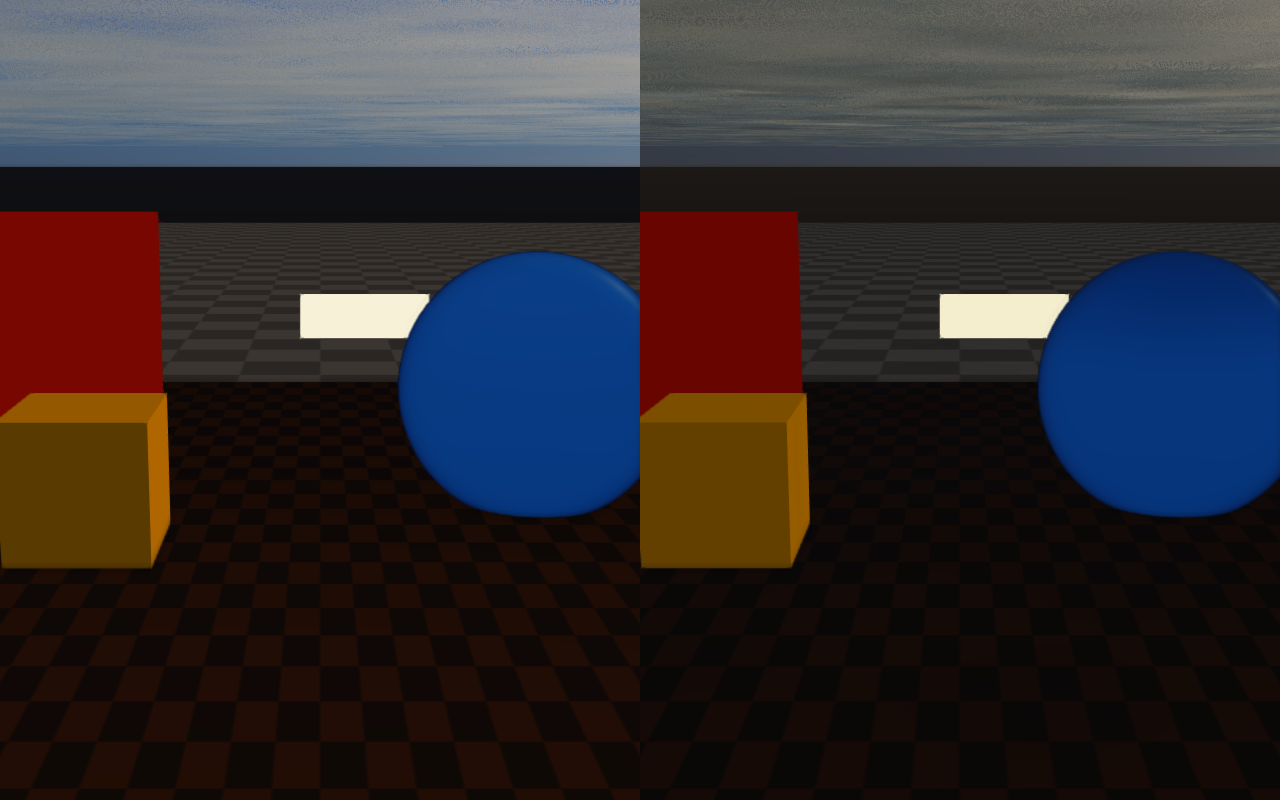
Wet response darkens albedo, drops roughness, and adds animated rain
ripples on upward-facing surfaces; wetnessAccumulationEnabled lets the
value ramp up over time during rain and ramp back down during dry intervals,
controlled by wetnessAccumulationRate and wetnessDryingRate.
auto quality = viewer.getRenderQualitySettings();

// Wet material response (puddles, rain ripples, darkening).
quality.weatherWetMaterialEnabled = true;
quality.weatherWetness = 0.7f;                  // 0..1
quality.weatherPuddleStrength = 0.5f;
quality.weatherRainRippleStrength = 0.45f;
quality.weatherRainRippleScale = 18.0f;
quality.weatherWetAlbedoDarkening = 0.30f;
quality.weatherWetRoughnessScale = 0.32f;
quality.weatherWetSpecularBoost = 0.40f;

// Snow material response (albedo blend on upward faces).
quality.weatherSnowMaterialEnabled = true;
quality.weatherSnowCoverage = 0.65f;             // 0..1
quality.weatherSnowAccumulationStrength = 0.8f;
quality.weatherSnowAlbedoBlend = 0.78f;
quality.weatherSnowRoughness = 0.92f;
quality.weatherSnowMetallicScale = 0.05f;
quality.weatherSnowNormalSoftening = 0.62f;

viewer.setRenderQualitySettings(quality);

// Optional: drive accumulation/drying from the weather state instead.
// With weather enabled, weather overwrites the wet/snow fields set above,
// and wetness changes only while updateWeather(dt) is called.
auto weather = viewer.getWeatherSettings();
weather.enabled = true;
weather.wetnessAccumulationEnabled = true;
weather.wetnessAccumulationRate = 0.35f;   // per second
weather.wetnessDryingRate = 0.10f;         // per second
viewer.setWeatherSettings(weather);
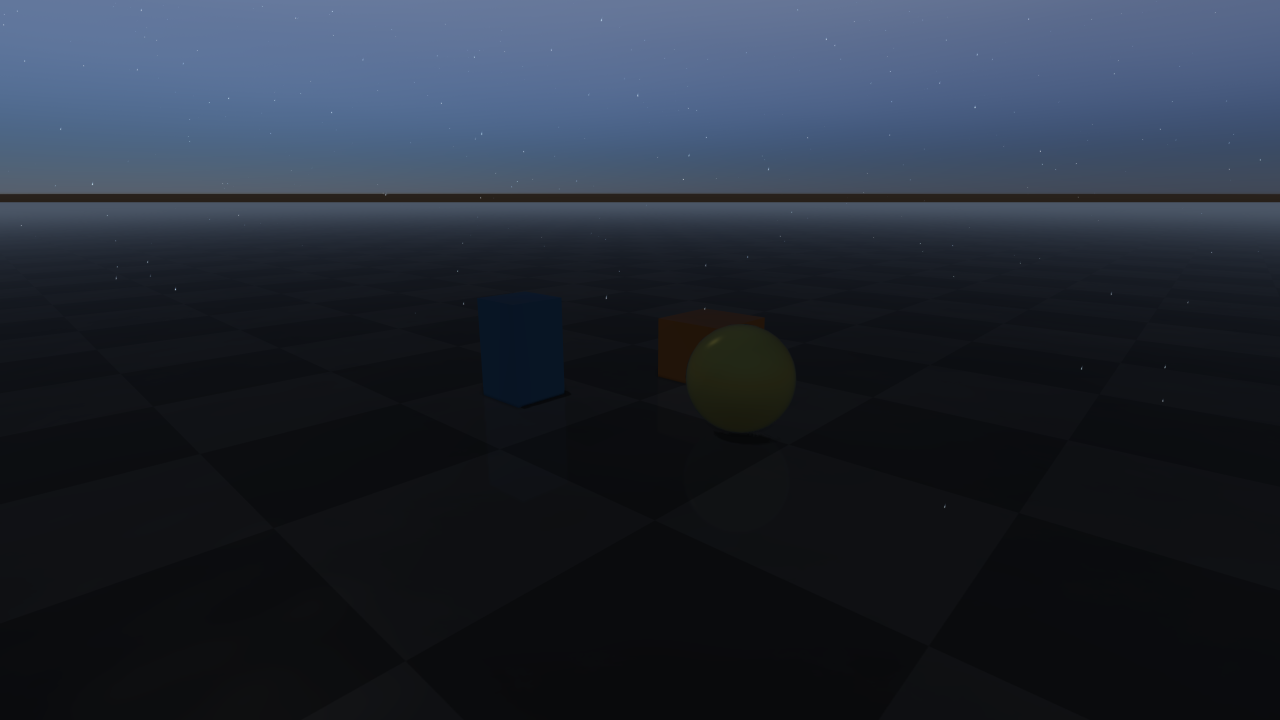
Wet material response |
Snow material response |
|---|---|
|
|
Wetness accumulation |
Snow melt transition |
|
|
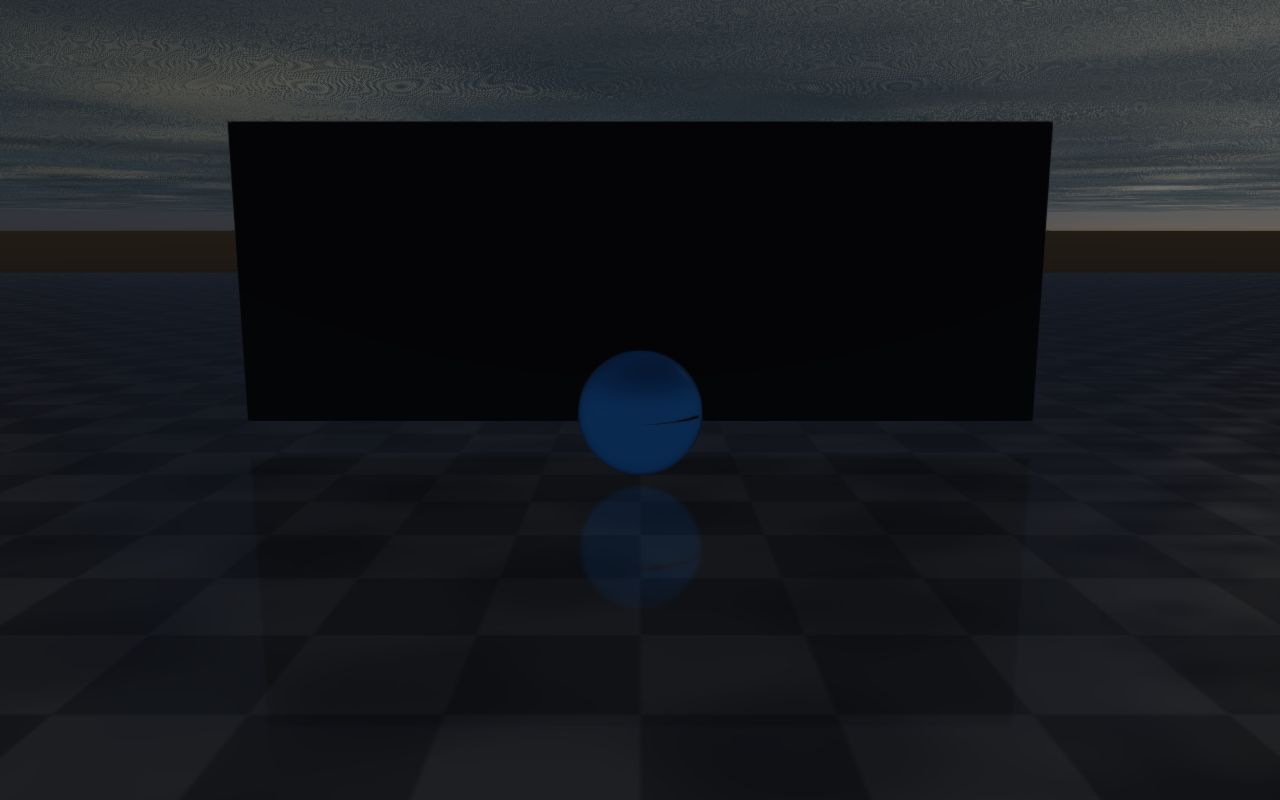
Precipitation, lens droplets, and storm lightning
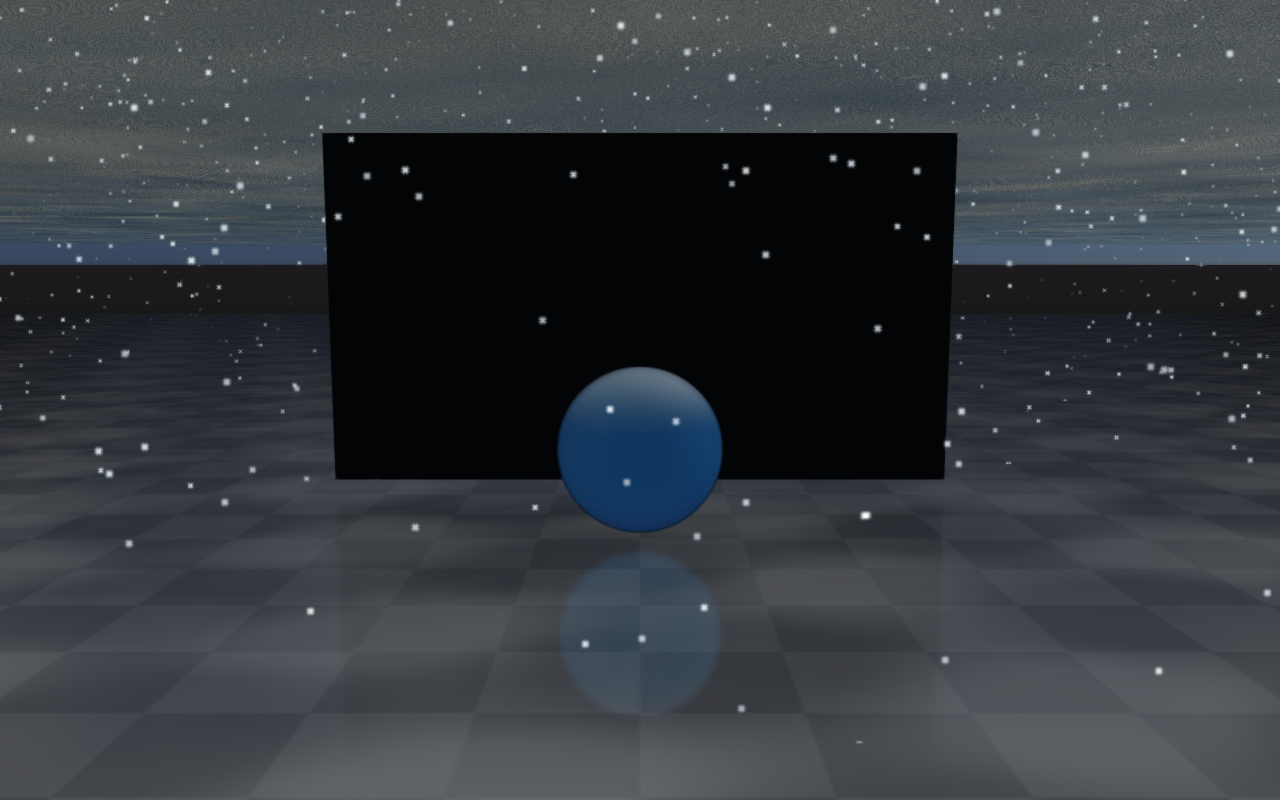
Rain and snow generate animated particle systems on top of the material
response (Medium quality and above). The particle count follows
precipitationRate scaled by 1 - rainOcclusionStrength, and
precipitation renders as snow when snowCoverage is above 0.2. Rain splash
particles are currently disabled; WeatherDiagnostics keeps the
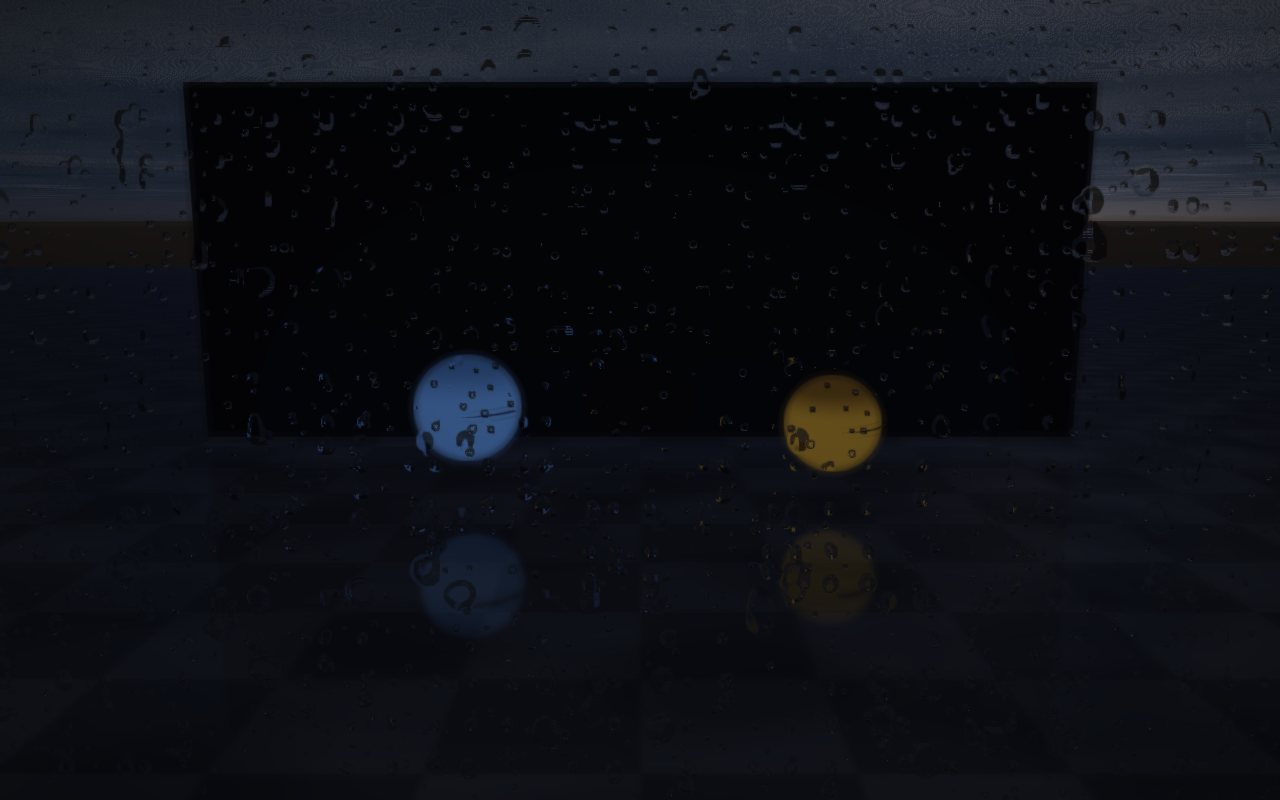
rainSplash* fields for compatibility and reports them as zero. Lens
droplets render screen-space droplets on the lens during rain at High or
Ultra quality (controllable via lensDropletsEnabled and
lensDropletStrength). Derived droplet count, maximum pixel size, and alpha
are reported by WeatherDiagnostics rather than configured independently.
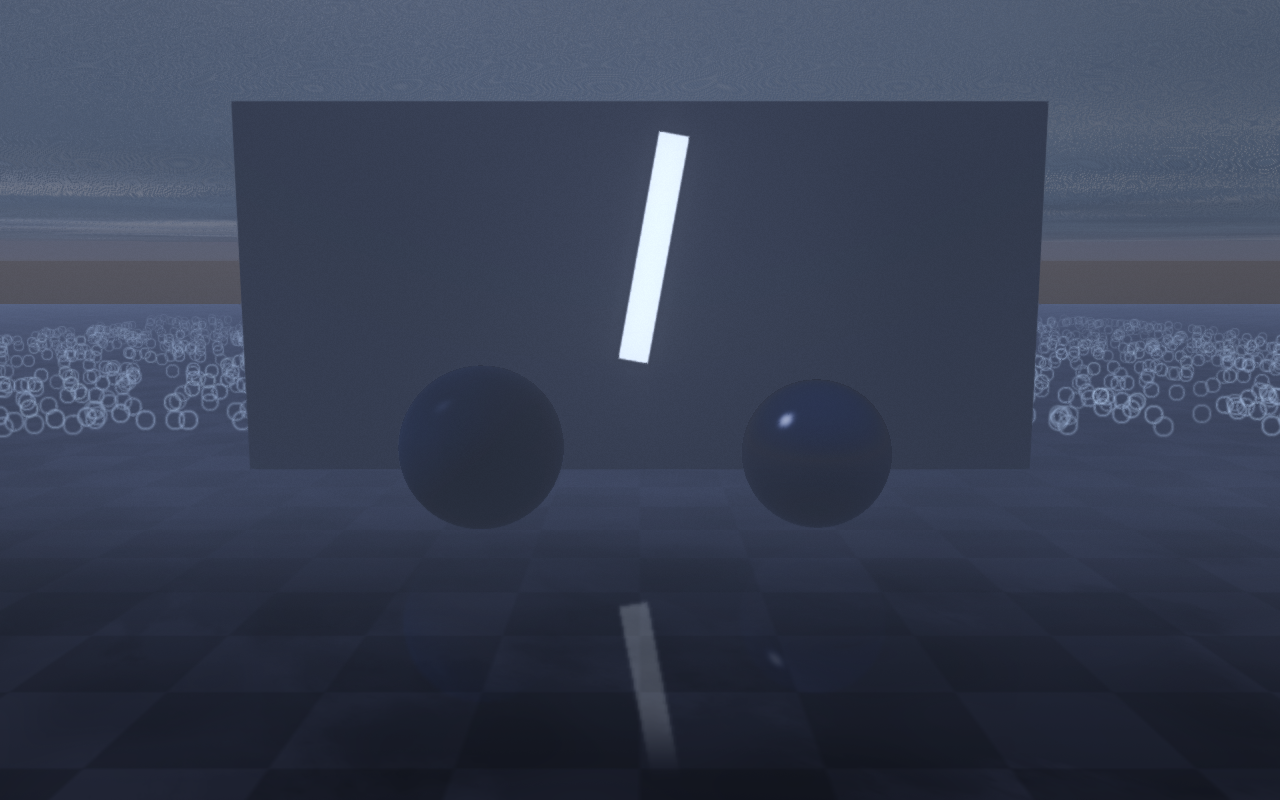
Storms add stochastic lightning controlled by lightningRate (strikes per
minute, High or Ultra quality) and the lightningLocalPoint*
fields; subscribe with setWeatherThunderCallback to play audio cues.
Solar position uses the configured latitude / longitude / date and shifts the
directional light accordingly throughout timeOfDayHours, which is civil
time at utcOffsetHours (default 9) or local solar time when
automaticUtcOffset derives the offset from longitude / 15. Set
useExplicitSunAngles with sunAzimuthDegrees and
sunElevationDegrees (clamped to -8..89) to place the sun directly.
auto weather = raisin::RayraiWindow::defaultWeatherSettings(
  raisin::RayraiWindow::WeatherPreset::Storm);
weather.enabled = true;
weather.precipitationRate = 0.9f;            // normalized 0..1
weather.rainOcclusionStrength = 0.6f;        // 0..1, shelter factor
weather.cloudCoverage = 0.95f;
weather.lightningRate = 6.0f;                // strikes per minute, 0..16
weather.lightningLocalPointLightEnabled = true;
weather.lensDropletsEnabled = true;
weather.timeOfDayHours = 17.0f;
weather.latitude = 37.0f;
weather.longitude = 127.0f;
weather.year = 2026; weather.month = 5; weather.day = 23;
viewer.setWeatherSettings(weather);

viewer.setWeatherThunderCallback(
  [&audio](const raisin::RayraiWindow::WeatherDiagnostics& d) {
    audio.playThunder(d.thunderDelaySeconds, d.lightningIntensity);
  });
Rain on a wet ground |
Lens droplets |
|---|---|
|
|
Snow particles |
Storm lightning |
|
|
Rain occlusion |
Solar position over time of day |
|
|