Rayrai Example: Runtime Scene Editing
Overview
Visualizes runtime scene editing operations that are useful for reset-heavy workloads: stable object id lookup, single-body snapshots, collision filter changes, cloning, and object removal.
Use this example when building reset, randomization, replay, or scripted scene editing workflows. It shows how to mutate a running world between simulation steps without reconstructing the whole world.
Target
CMake target: rayrai_runtime_scene_editing.
Run
Run the build-tree executable:
./build-examples/examples/rayrai_runtime_scene_editing
On Windows, run rayrai_runtime_scene_editing.exe instead.
This example renders in process with rayrai and does not need rayrai_tcp_viewer.
Details
Captures and restores a
World::SingleBodySnapshot.Clones a primitive single-body object with
cloneSingleBodyObject.Looks up a body by its stable object id with
World::getObjectById.Toggles the sphere collision mask with
World::setObjectCollisionFilterduring the simulation.Removes and recreates a cloned body while the world is running.
What to look for
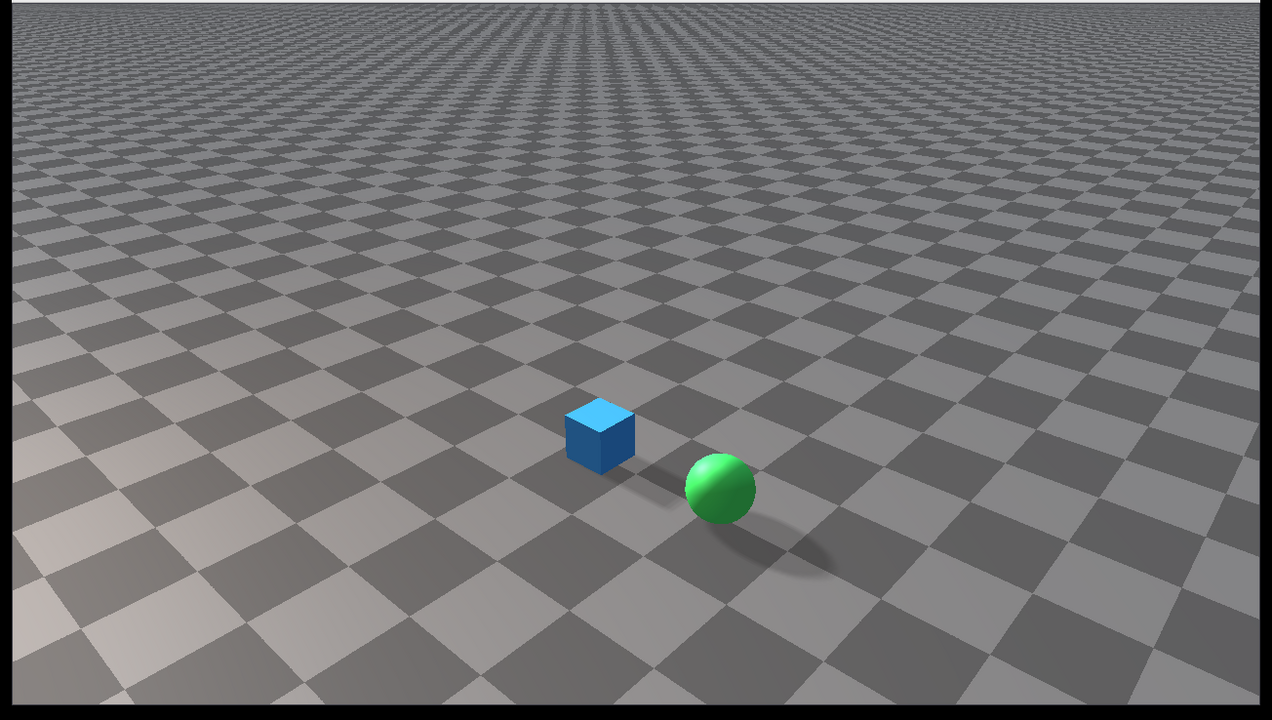
The scene contains a source box, a cloned box, and a sphere. During the loop:
The source box is restored from a snapshot and relaunched.
The cloned box is periodically removed and recreated.
Every 240 steps, the sphere switches between colliding with everything and a zero collision mask. With the zero mask it passes through the ground and is drawn gray and translucent.
These operations are intentionally visible so users can verify that the object state changes are reflected by rayrai immediately.
API pattern
The important pattern is:
raisim::World::SingleBodySnapshot snapshot;
world->captureSingleBodySnapshot(body, snapshot);
world->restoreSingleBodySnapshot(body, snapshot);

auto* clone = world->cloneSingleBodyObject(body, "clone");
world->setObjectCollisionFilter(clone, group, mask);
Call these APIs between simulation steps. The example keeps the world
single-threaded and performs all edits from the same loop that calls
world->integrate().