
Rayrai Example: Swept CCD
Overview
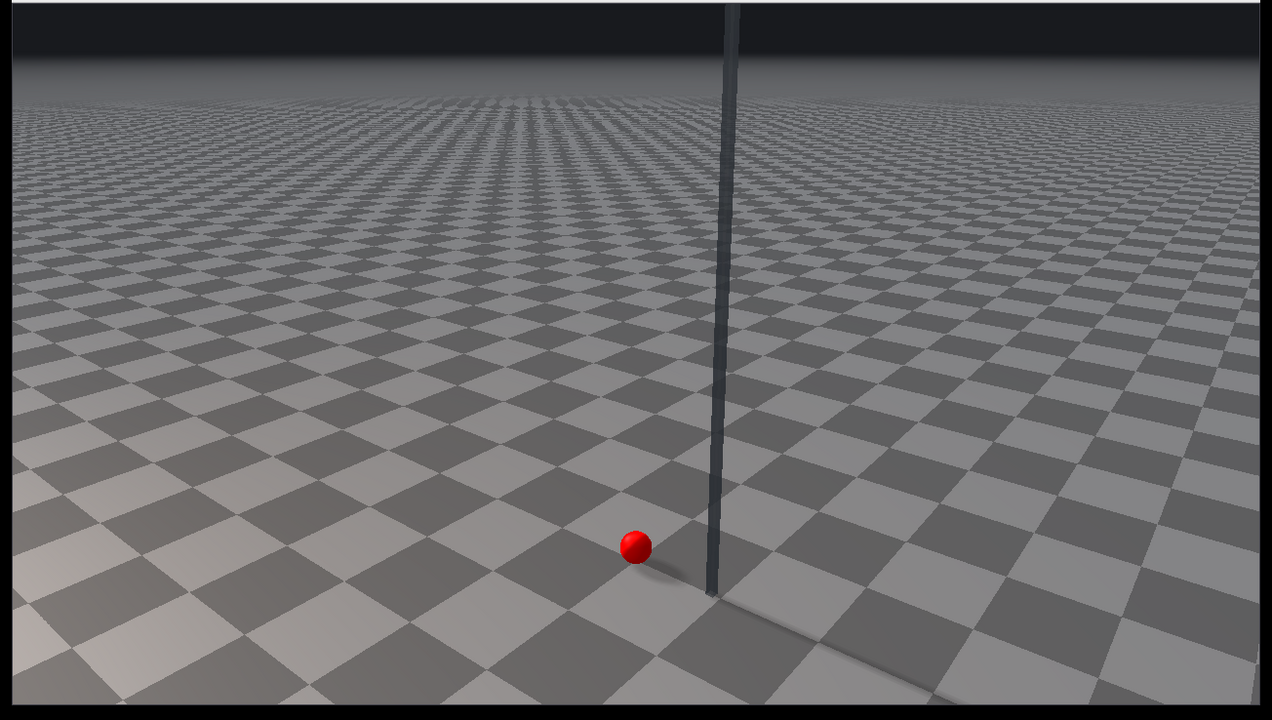
Shows swept continuous collision detection on a fast sphere falling toward the ground with a deliberately large simulation time step.
Use this example when tuning high-speed primitive contacts. It demonstrates the settings needed to reduce tunneling for supported swept CCD pairs.
Target
CMake target: rayrai_swept_ccd.
Run
Run the build-tree executable:
./build-examples/examples/rayrai_swept_ccdOn Windows, run rayrai_swept_ccd.exe instead. This example renders in process with rayrai and does not need rayrai_tcp_viewer.
Details
- Enables
sweptCcdEnabledthroughWorld::setContactSettings. - Uses
sweptCcdMinSpeedso only fast bodies trigger the swept path. - Uses
sweptCcdSpeculativeMarginto keep the contact generation margin explicit. - Resets the sphere every 120 steps so the CCD event is easy to inspect.
What to look for
The world uses a 20 ms time step. Every reset places a sphere of radius 8 cm 3 m above the ground and gives it a downward velocity of 35 m/s, so it moves 0.7 m per step. With swept CCD enabled, the contact is generated along the swept path rather than relying only on the final pose at the end of the time step. If the sphere's center ever drops below its radius, the sphere turns bright red.
API pattern
auto settings = world->getContactSettings();
settings.sweptCcdEnabled = true;
settings.sweptCcdMinSpeed = 8.0;
settings.sweptCcdSpeculativeMargin = 1e-4;
world->setContactSettings(settings);
sweptCcdMinSpeed avoids extra work for slow bodies. Keep the value near the speed range where tunneling becomes visible in your task.