Server Example: Inverse Dynamics
Overview
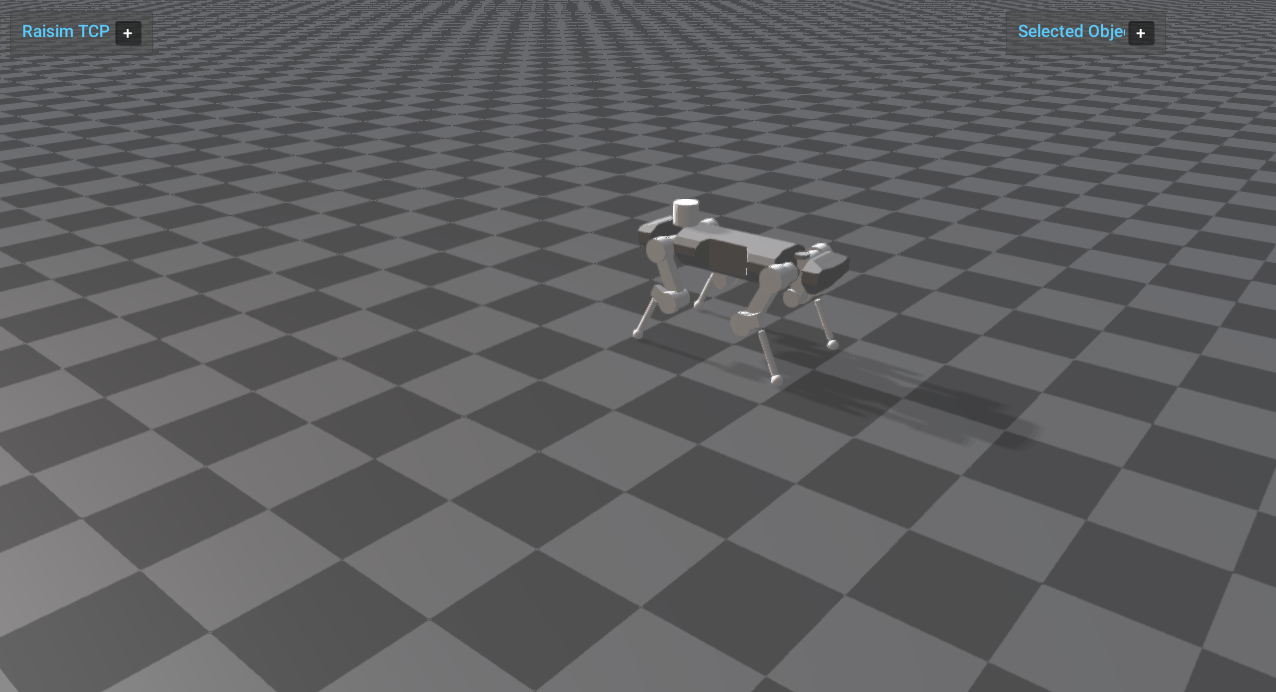
Enables inverse dynamics on ANYmal and prints the resulting joint forces and torques. It compares inverse dynamics outputs to the applied generalized forces.
Target
CMake target: inverse_dynamics.
Run
Run the build-tree executable:
./build-examples/examples/inverse_dynamics
On Windows, run inverse_dynamics.exe instead.
This example uses RaisimServer. Start rayrai_tcp_viewer and connect to port 8080.
Details
Enables inverse dynamics and applies external forces on the robot.
Reads joint forces/torques in the world frame after integration.
Prints inverse-dynamics results alongside commanded torques.