
Rayrai Example: Forest From .rscene
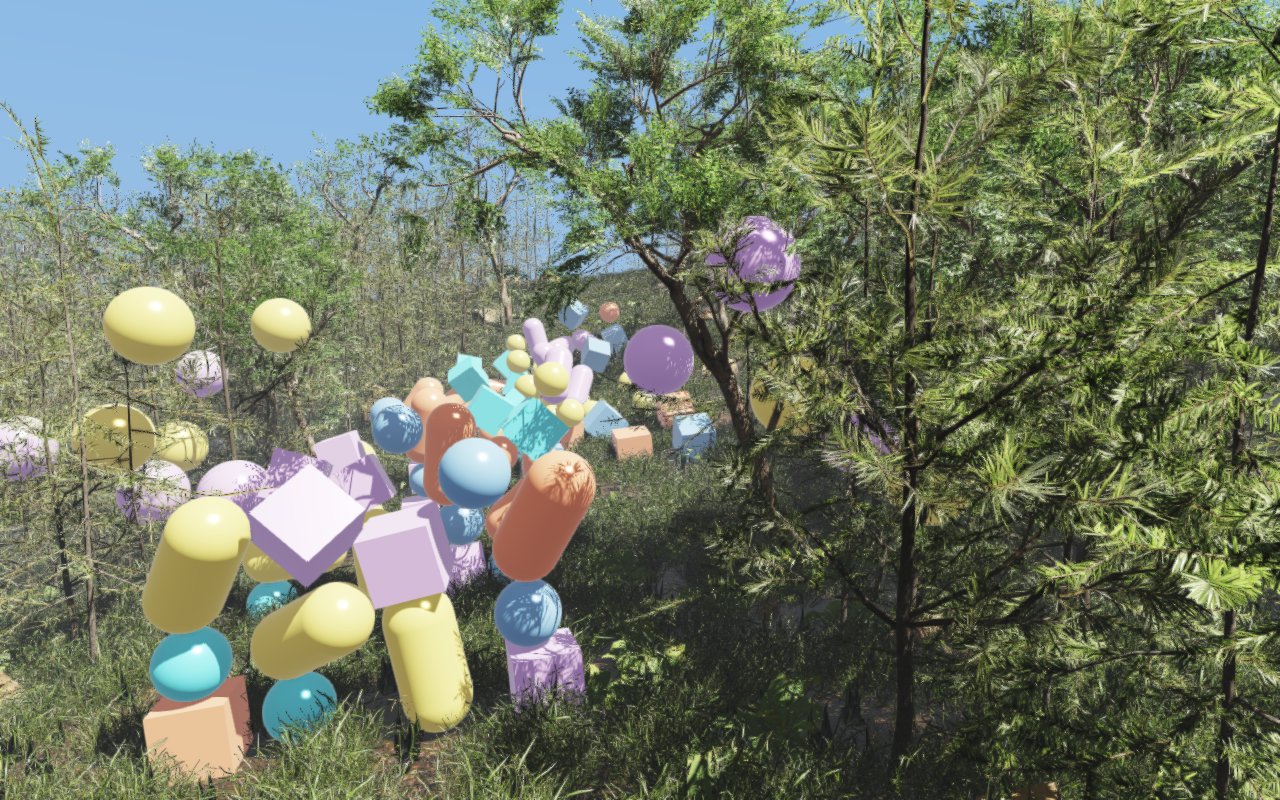
Overview
Builds the Rayrai Example: Forest world from its saved RaiSim Engine scene, rsc/forest/rayrai_forest.rscene, instead of placing every tree, plant and rock in C++. The whole example is a few lines:
auto world = std::make_shared<raisim::World>(
  exampleRscPath(argv[0], "forest/rayrai_forest.rscene"));
raisin::RayraiWindow viewer(world, 1280, 800);  // applies the scene
raisim::World(path) reads the solver settings, the 161 × 161 heightmap, the 2,068 hidden .rasset tree and rock collision bodies and the 100 dynamic props. The RayraiWindow applies the scene's render settings, sky and weather, sun, ground texture, the 16 instanced vegetation and rock batches, and the saved camera. The result simulates exactly like rayrai_forest.
Target
CMake target: rayrai_forest_from_rscene (C++20). Source: examples/src/rayrai/worlds/rayrai_forest_from_rscene.cpp.
The example needs the .rscene support in raisim::World and a rayrai whose RayraiWindow applies its world's scene, which are not in a released package yet. CMake skips this target when the installed rayrai lacks them.
Run
The example takes no arguments. It finds the scene in the rsc folder that CMake copies next to the executables:
./build-examples/examples/rayrai_forest_from_rsceneOn Windows, run rayrai_forest_from_rscene.exe from build-examples\bin. The example renders in process and does not need rayrai_tcp_viewer. Meshes load asynchronously behind a loading bar; physics starts once they are ready and then runs eight 2 ms steps per rendered frame. The mesh LOD caches described in Rayrai Example: Forest are shared with that example.
Changing the render settings
The scene file stores the rendering parameters: the quality preset and custom renderer settings (MSAA, shadow resolution and cascades, exposure, tone mapping and post effects), the environment (color mode, fog, bloom, SSAO) and the weather. To change them in C++, pass them to setRsceneRenderSettings, which applies the scene again with them in place of the viewer's constructor:
auto render = raisin::rsceneRenderSettings(*world->getRscene());
render.quality.viewerMsaaSamples = 8;
render.weather.timeOfDayHours = 18;
raisin::setRsceneRenderSettings(viewer, render);
With weather enabled, rayrai derives exposure, environment intensity, fog and shadow strength from these base settings and the sky, so overriding them here keeps that relationship. The viewer's own setters still change anything afterwards.
Supported scene content
The reader supports what a terrain-and-props scene uses: physics settings, materials, a sampled heightmap with its base texture, box, sphere, cylinder, capsule, ground and static .rasset bodies, instanced mesh visuals, a directional light, cameras and the render environment. Editor-only records are skipped. Anything it cannot reproduce exactly, such as articulated systems, sensors, parented nodes, painted terrain, non-directional lights or mesh bodies without a .rasset, is a fatal error naming the line. .rscene File documents every record and field of the format.
See World for the World constructor and Rayrai Example: Forest for the assets, scatter and performance notes.