
Rayrai Example: Tank Survival
The vehicles are licensed under CC BY 4.0 and credited in Asset Credits; the props, plants, buildings and textures are Poly Haven assets under CC0.
Overview
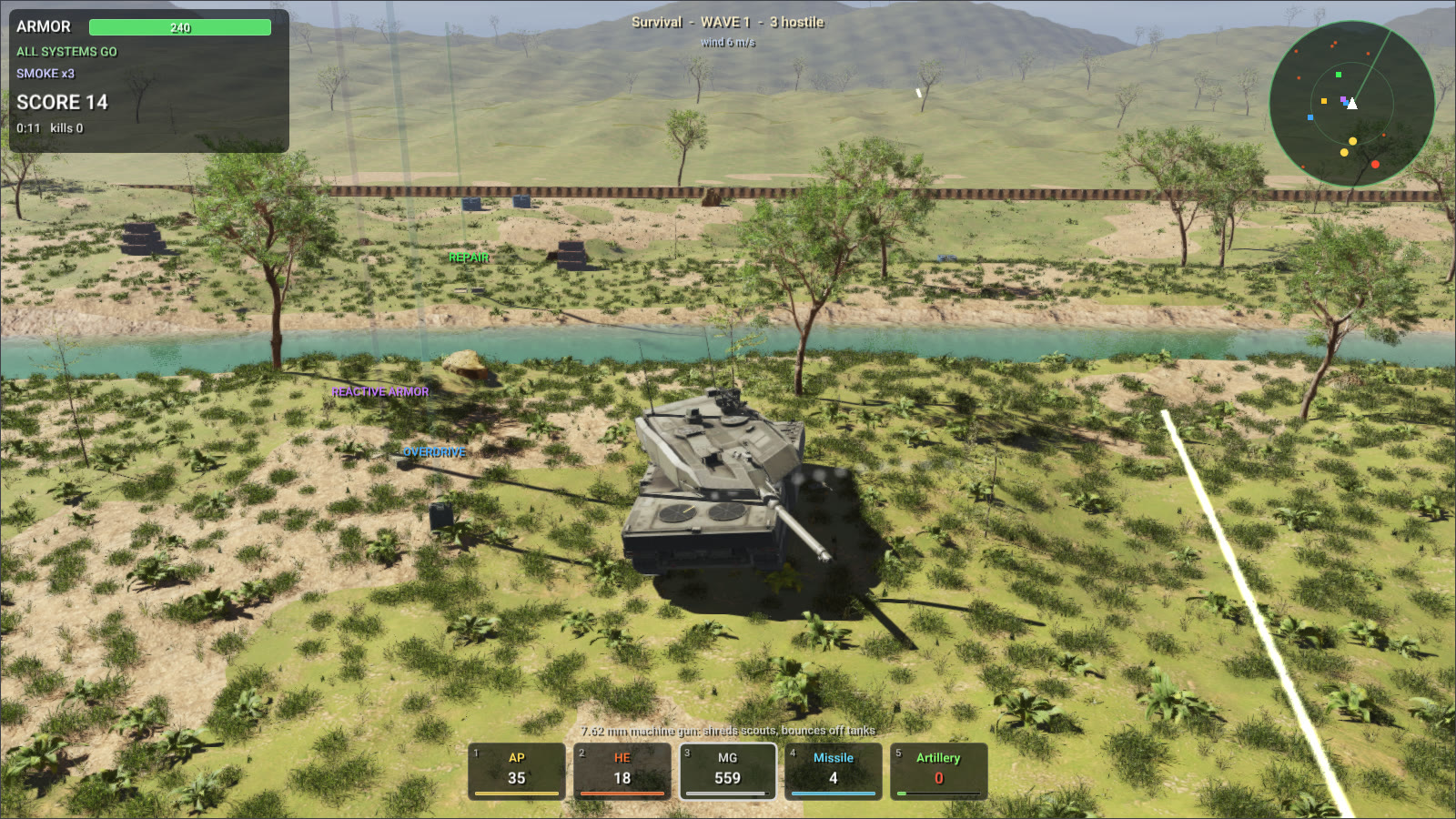
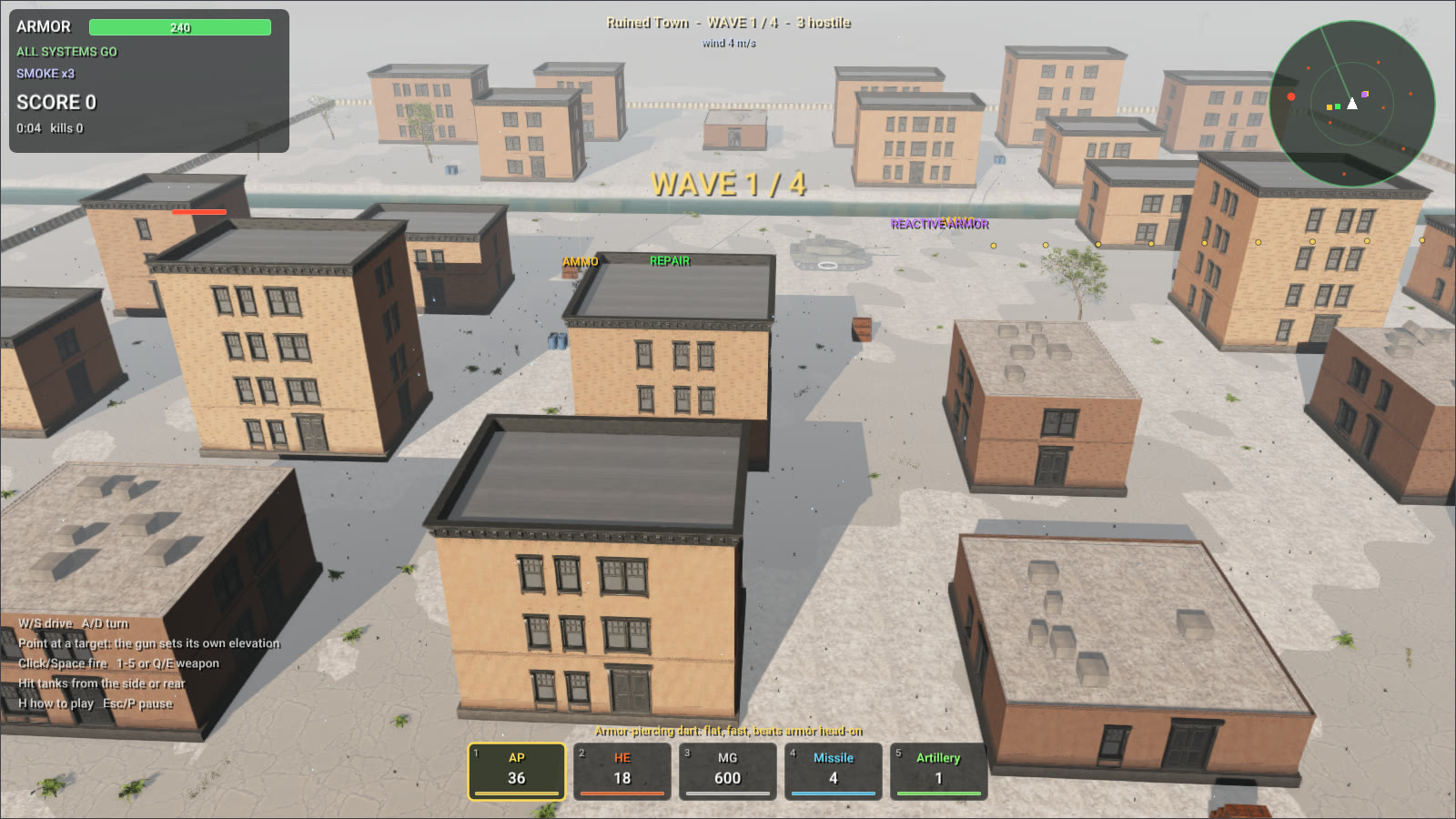
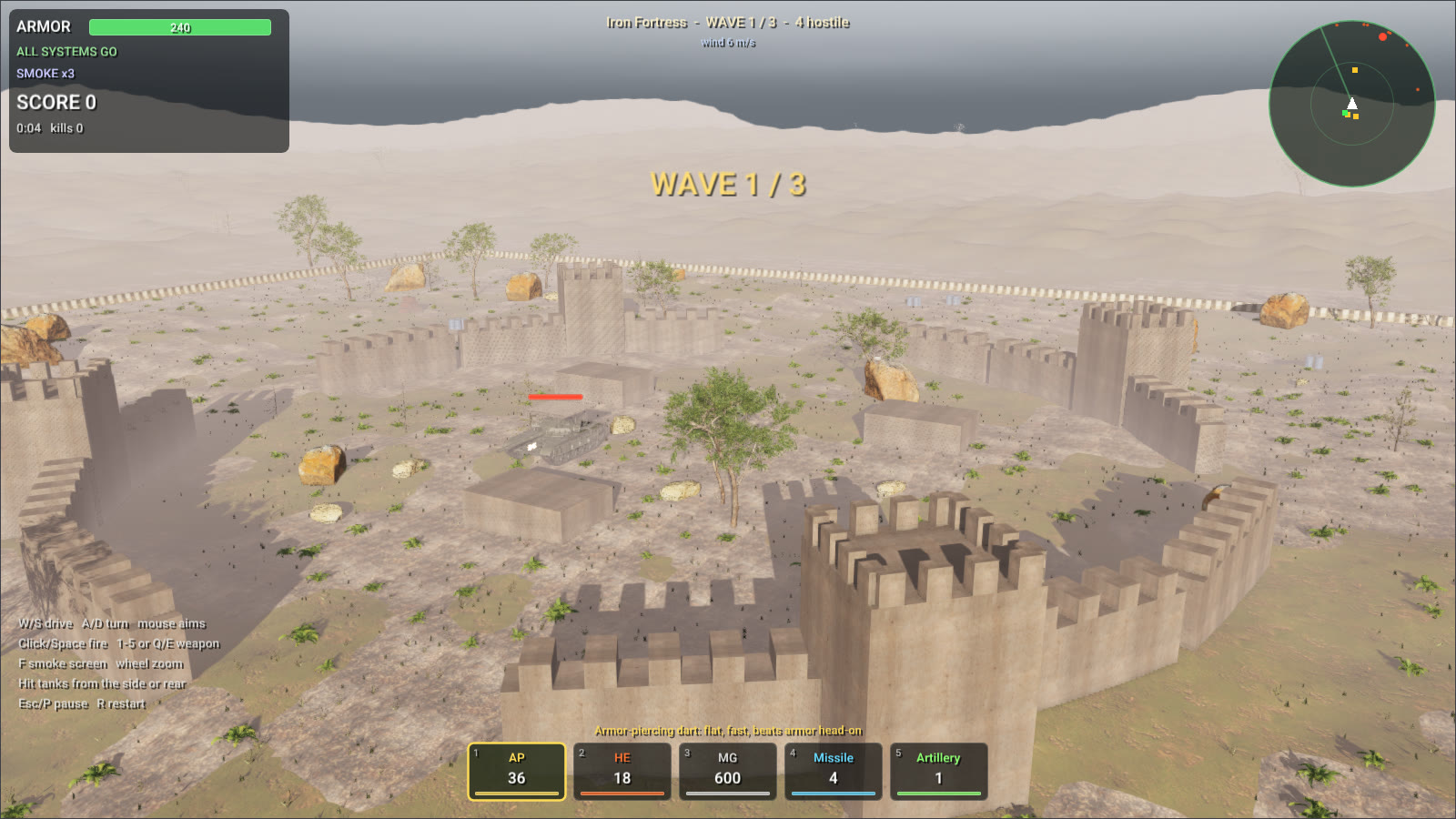
A tank survival game in six levels, each with its own terrain and weather: a green valley at noon, desert dunes in a crosswind, a ruined town under an overcast sky, snow ridges in the late afternoon, a fortress assault and an endless survival. Enemy vehicles arrive in waves around your Leopard 2: scouts, tanks, tank destroyers that snipe from range, self-propelled guns that mark their target before the shells land, and heavily armored brutes. The same source builds for the desktop and, with the WebAssembly SDK, for the browser.
- Every shell is a RaiSim projectile: it drifts with the wind (the world's air,
World::setAmbientFluid()) and slows down in water. Hits are resolved against the front, side, rear and roof armor of the vehicle they strike, with ricochets at shallow angles. - High-explosive shells, missiles, artillery and exploding barrels set off explosions whose blast waves push tanks, wrecks, crates and barrels and dig craters in the terrain. Wrecks burn.
- The tanks are articulated systems on tracks, each track on a carrier sprung under the hull so that the tracks keep their grip on rough ground and the tanks can steer. A river crosses each level as a fluid volume: tanks wade through it, are slowed and buoyed by it, and push its water aside.
- rayrai draws the explosions as fireballs, smoke, dust and debris with soft particles (Explosion effects), the river with its flow, the weather of each level, and rough terrain planted with trees, shrubs and grass that keep their detail far from the camera. The town is built from Poly Haven's modular apartment facades, as in the City example.
- Weapons: armor-piercing and high-explosive shells, a coaxial machine gun, guided missiles, artillery strikes and a smoke screen. Pickups bring ammunition, repairs, reactive armor, missiles and radios.
Controls
Aiming works as in a third-person shooter. Click the view once to capture the mouse (Esc frees it and pauses).
| Input | Action |
|---|---|
W / S, A / D | drive, turn the hull |
| mouse | look and aim over the tank's shoulder; every round lands where the crosshair in the middle of the view is |
left click or Space | fire |
| hold the right button | aim down the sight: the view from the gun, ×3; the wheel zooms from ×2 to ×8 |
| mouse wheel | move the camera closer or farther |
1–5, Q / E | pick a weapon, cycle through them |
F | lay a smoke screen |
C | camera behind the tank |
P or Esc / hold R / H | pause, restart, how to play |
The gun of your tank is stabilized, and each round leaves the muzzle on the path that reaches the point under the crosshair (a vehicle, a wall, a tree or the ground): the game flies it ahead of time as the world will, with gravity, the air's drag and the wind. After a quick turn of the view, a click fires as soon as the turret has swung round to the crosshair. The crosshair turns red over an enemy. On a touch screen, where the mouse cannot be captured, tap where to aim: the sight locks on an enemy near the tap, and a dotted arc shows where a round would fly, to a ring where it would strike. The How to play button (or H) opens the controls; they come up before the first mission. Arrows at the edge of the screen point to enemies out of view, and an arrow beside the wind's speed shows where it blows. Tanks flatten the small trees of the arena, and shells and blasts fell them.
The menu shows your best score on each level; in the browser it is kept between visits (in the page's local storage). On a slow computer the main menu lowers the render quality while the level behind it draws slowly, until it runs smoothly (the game itself slows down below 25 frames a second); a quality picked in the menu, or given with --quality, is kept.
Run
The game is one program, raisim2Lib/wasm/src/tank_survival, built for the desktop with the other examples and for the browser with the WebAssembly SDK; both builds play and look the same. On the desktop:
cmake --build build-examples --target rayrai_tank_survival
./build-examples/examples/rayrai_tank_survival
./build-examples/examples/rayrai_tank_survival --autopilot --level 3 --quality 3
--level N starts the Nth level, --autopilot lets the tank play itself, --quality 0-3 picks Fast, Balanced, High or Ultra rendering, and --frames N --screenshot file.png saves the Nth frame. For the browser, build raisim2Lib/wasm with Emscripten and the SDK as the WebAssembly SDK page describes, or play it on this website. The Explosion and Projectile example shows the explosion and projectile API on its own.